Fluid Simulation Agency Website (Pro)
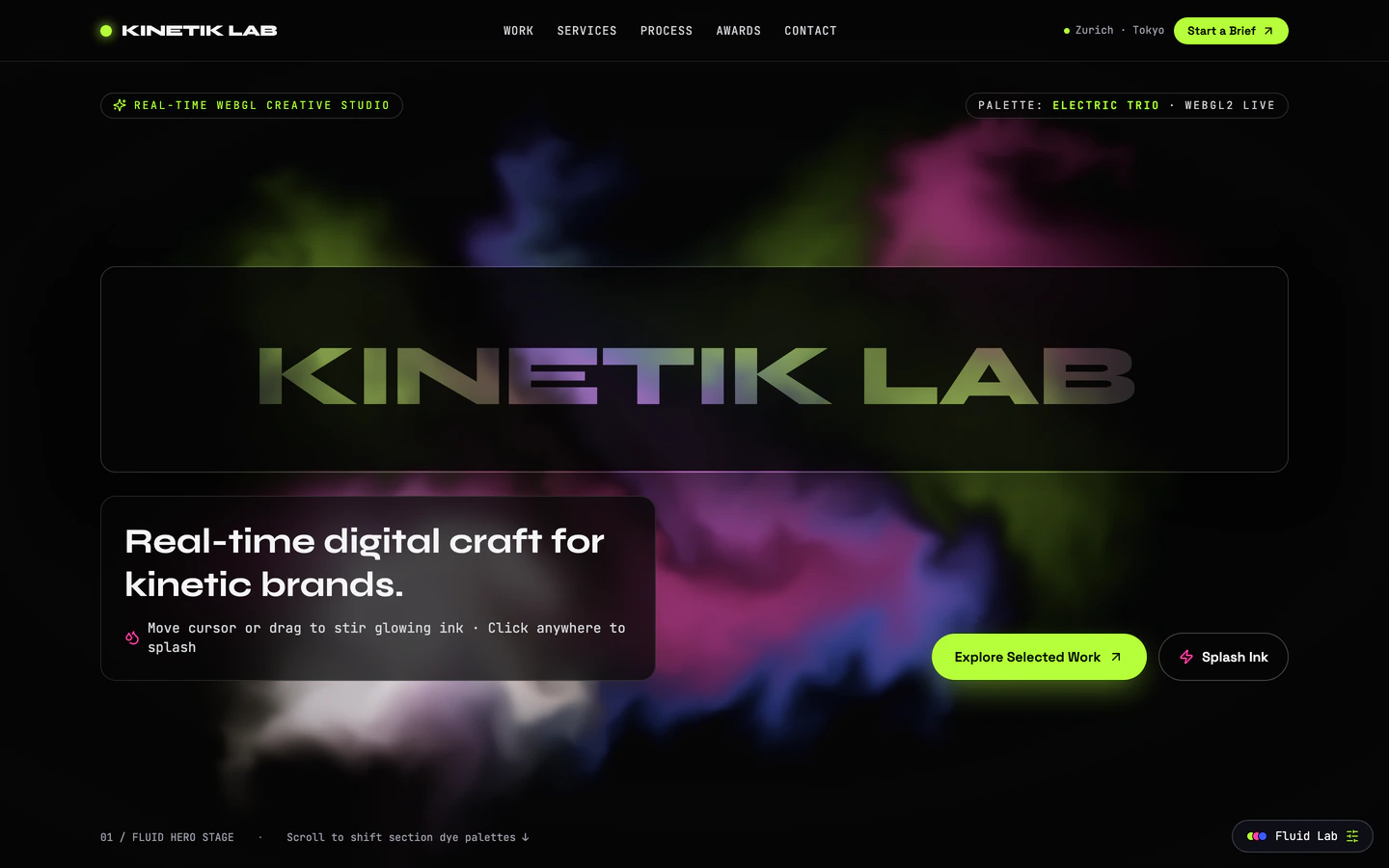
Interactive creative studio homepage with a live WebGL fluid hero, cutout wordmark mask, and scroll-reactive electric palettes.
Gemini 4 Neon
Stack
10 vite website templates with live demos, including Fluid Simulation Agency Website, Particle Morph 3D Landing Page and Draw Battle Simulator Game.
10 templates, each with a live demo and the exact prompt that built it.
Often paired with
Interactive creative studio homepage with a live WebGL fluid hero, cutout wordmark mask, and scroll-reactive electric palettes.
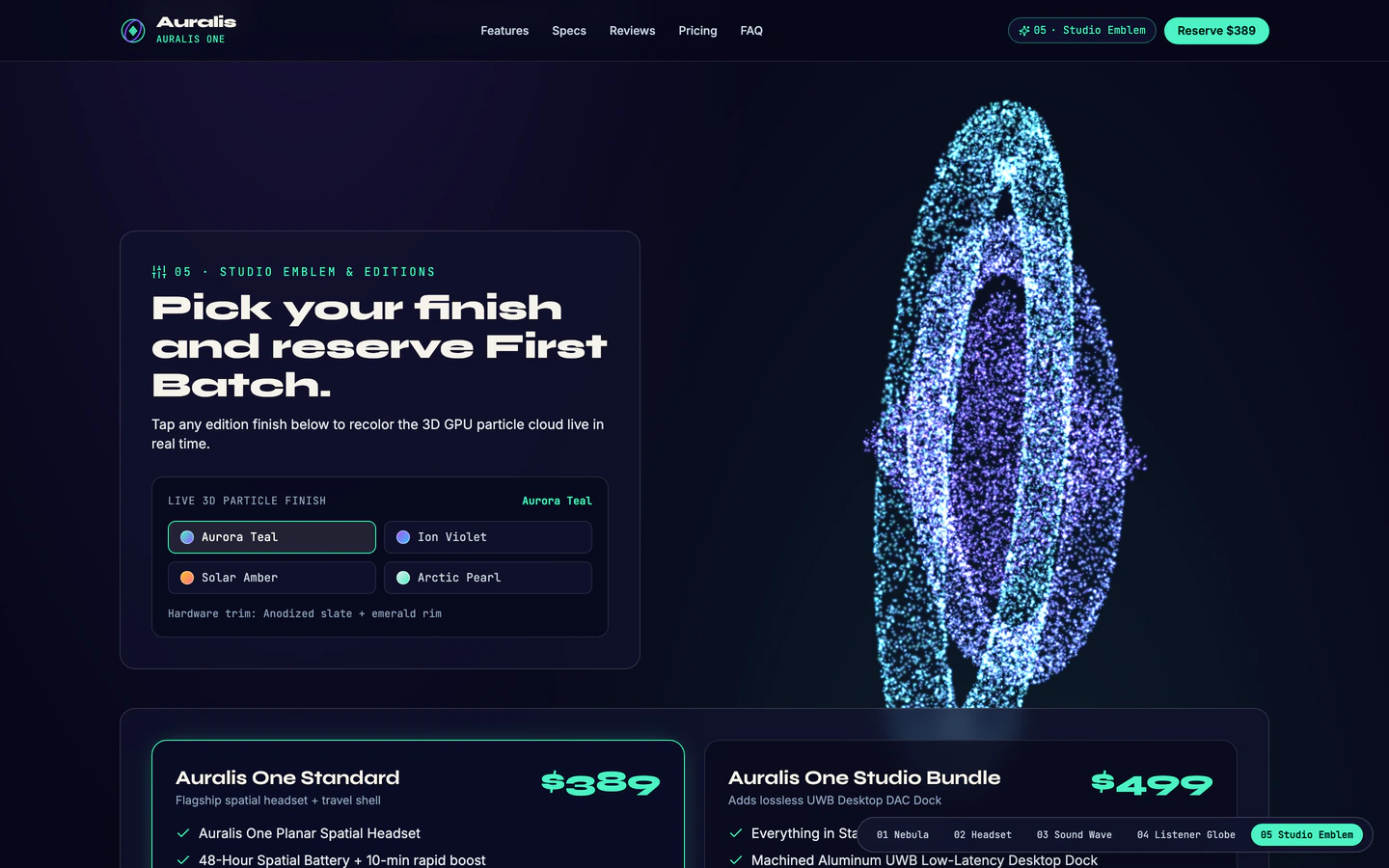
Spatial-audio headset product showcase where tens of thousands of GPU particles morph smoothly across five 3D silhouettes on scroll.
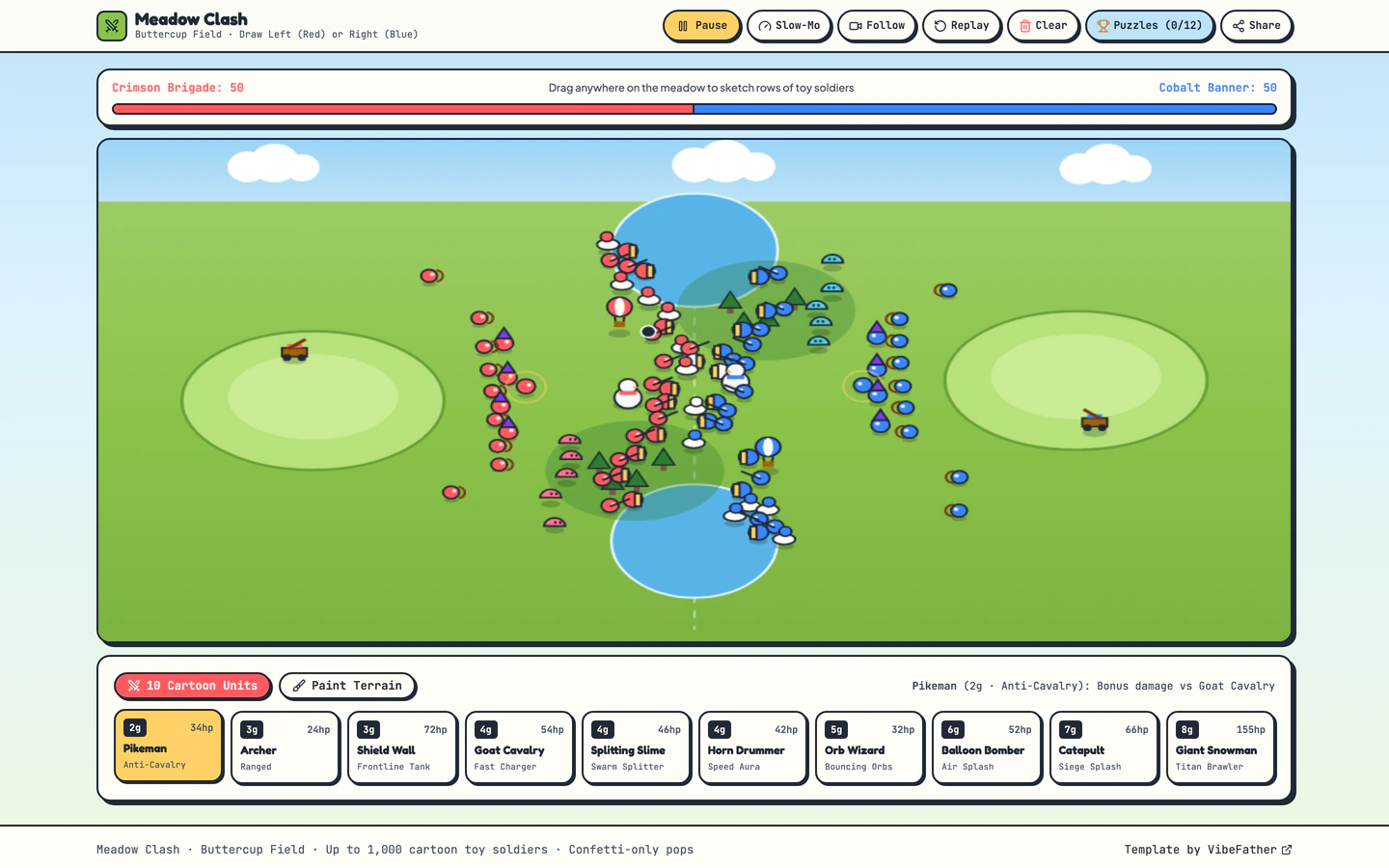
Sunny cartoon battle sandbox where you sketch rows of tiny soldiers on a meadow, paint terrain, and watch confetti clashes unfold.
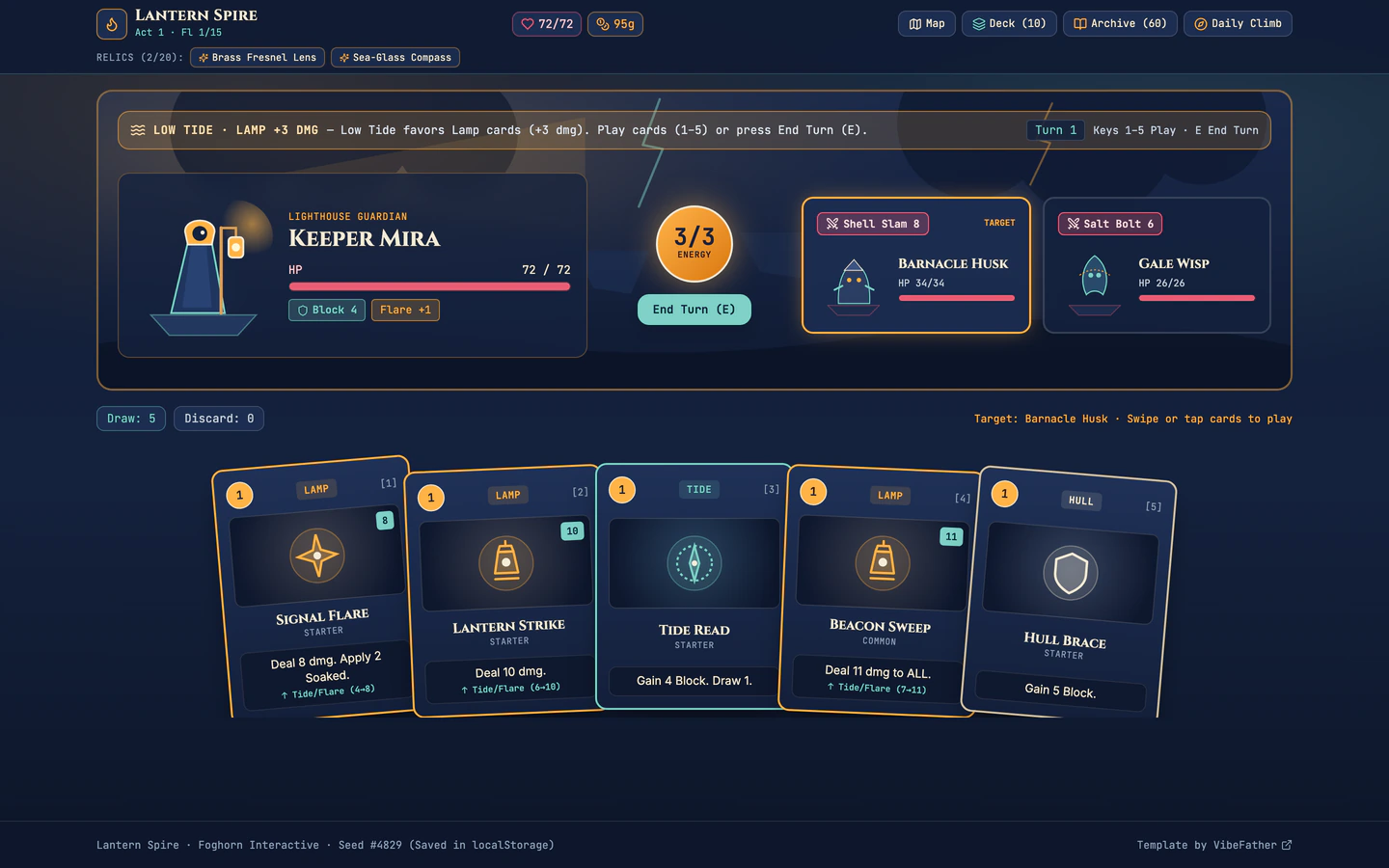
Nautical roguelike deckbuilder where a lighthouse keeper climbs storm-wrecked floating islands with 60 cards and 20 relics.
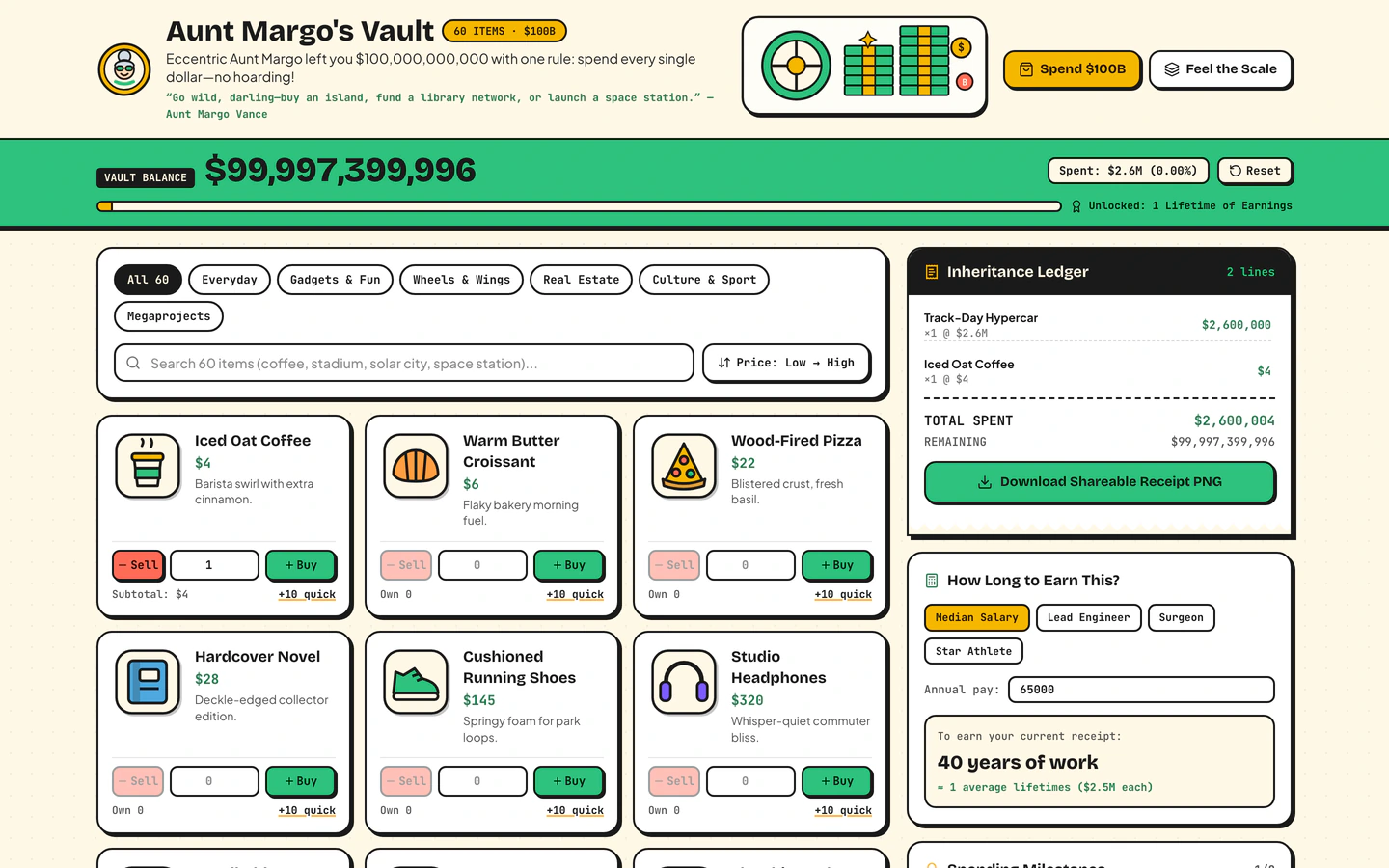
Inherit $100B from a fictional eccentric aunt, shop 60 sticker items, print a shareable receipt, and feel the scale of $1M vs $1B vs $1T.
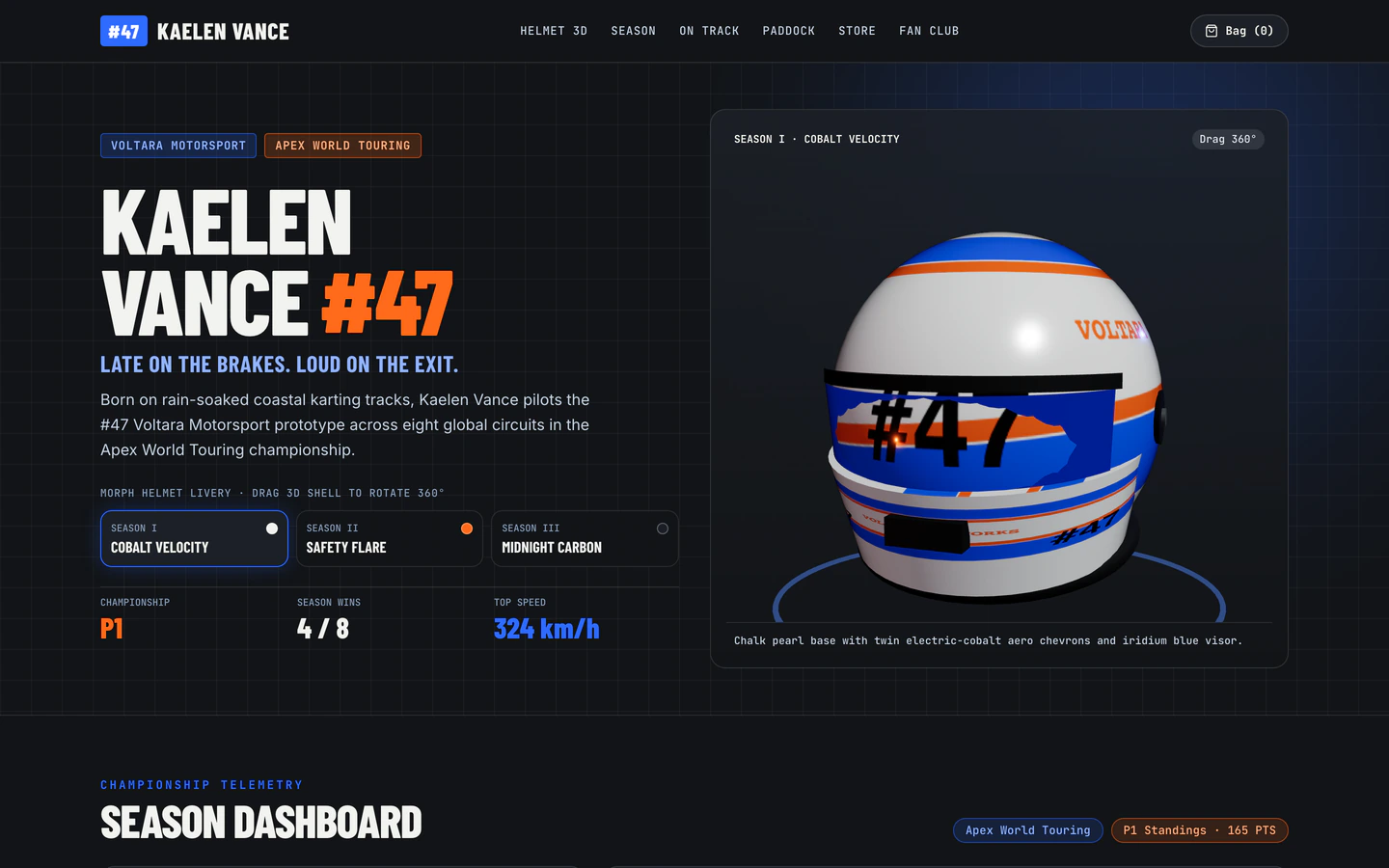
Interactive racing driver site with a draggable 3D helmet morphing across 3 season liveries, globe calendar, and live lap telemetry.
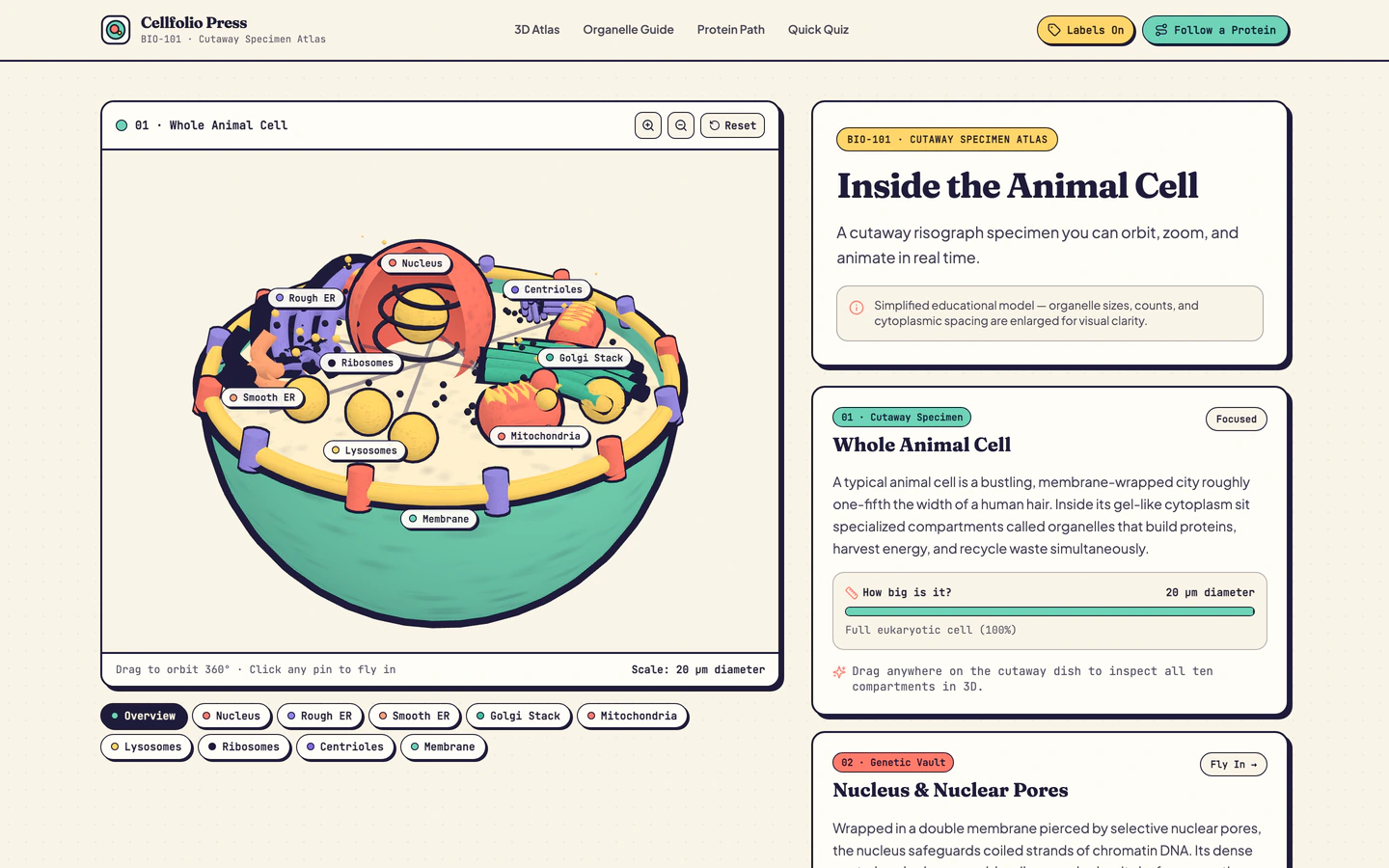
Interactive risograph 3D animal cell cutaway in Three.js with organelle fly-ins, live animations, and protein pathway.
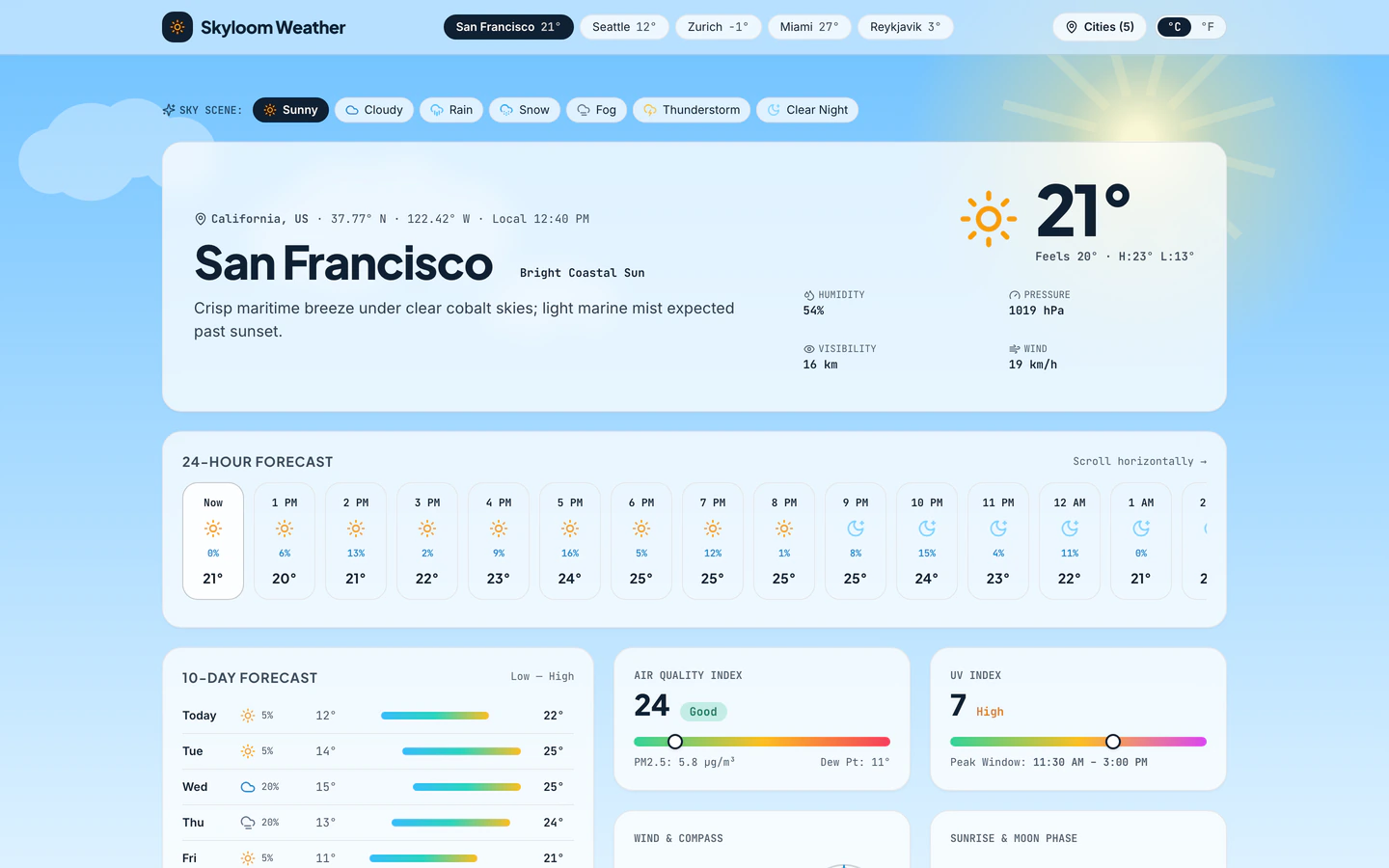
Atmospheric weather app with live animated Canvas sky scenes, 10-day bars, AQI, wind compass, radar timeline, and 6 cities.
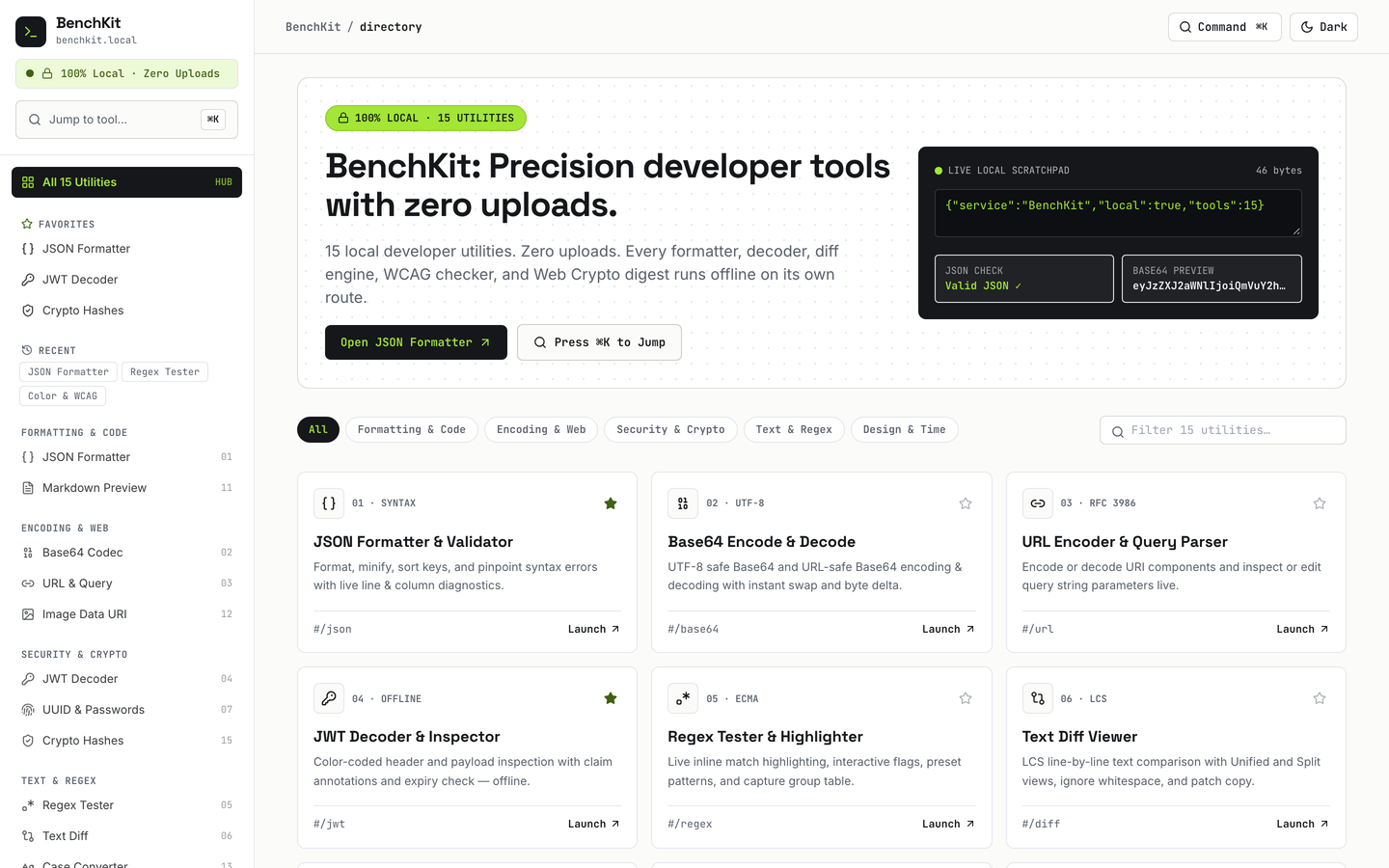
15 working browser-local developer utilities with Cmd+K jumper, favorites, history, and dark mode.
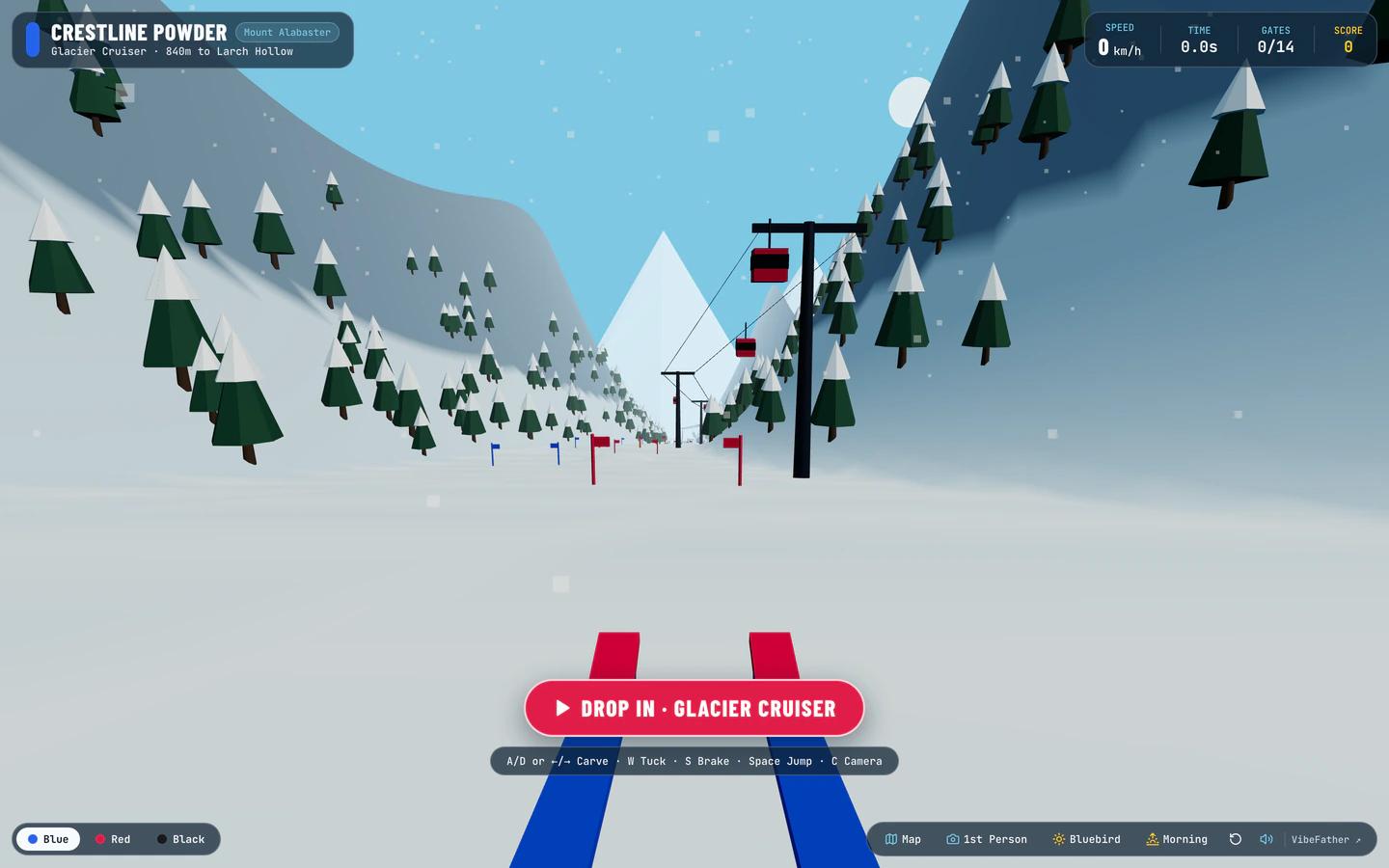
Carve down a procedural 3D alpine mountain through slalom gates, moguls, pine trees, and freeride jumps with live snow spray and wind audio.
Vite website templates on VibeFather are starting points for fast, modern front ends: each prompt tells an AI coding agent to scaffold a Vite project with React, TypeScript and Tailwind, then build the actual site on top. The ten templates here range from browser games and interactive toys to a weather app, a developer utilities toolbox, a 3D cell explainer and a particle-morph product landing page. Several lean on Three.js and Canvas for 3D and WebGL effects, while others stay in plain React with lucide icons. Some ship as single pages and some as multi-page apps; the Weather Forecast App and Developer Utilities Toolbox are the widest at 2 and 16 pages. Seven are free to build from, and three are Pro templates whose full prompt and demo source unlock with membership.
Starting from a tested prompt beats a blank chat because the Vite setup, folder structure and styling conventions are already decided, so the agent spends its effort on the feature you asked for rather than on configuration. You can see the stack and variables before you commit, compare what different models and tools produced, and then direct your own agent to change the parts that matter to you.
Before opening your AI agent, write down the one thing a visitor should do: morph particles on scroll, carve a ski run, or check a 10-day forecast. Vite templates here are built around a single interactive core, so naming it up front keeps the agent from spreading effort across pages you do not need.
Some templates use Vite with React, TypeScript and Tailwind alone; others add three for 3D and WebGL scenes. Choose the lighter stack for dashboards, tools and games built from DOM and Canvas, and the three-based stack only when the page genuinely needs a 3D model, particles or a fluid hero.
Each template exposes variables for brand name, colors, copy and content lists. Fill these before asking for layout changes, because the agent reads them as the source of truth. For a game, that means the item list, card set or course data; for a product page, the headline, feature copy and silhouette sequence.
Vite builds are fast on desktop, but 3D scenes and drag interactions need a phone pass. Ask your agent to test touch targets, reduce particle counts on small screens and confirm the scroll-driven effects still trigger. Games especially need a check that keyboard and pointer input both work.
Vite produces a static bundle, so the finished site can go on any static host. Run the production build locally first, fix any asset paths for 3D models or audio, then deploy. Keep the prompt and DESIGN.md with the project so later changes stay consistent with the original layout and variables.
FAQ
Commercial and client use of Vite website templates needs Pro membership. Free templates' prompts and every DESIGN.md are licensed for personal, non-commercial use under CC BY-NC 4.0. Pro templates show the brief, stack and variables publicly, while the full prompt and the demo source code come with Pro. If you plan to hand the site to a paying client, choose a Pro template or upgrade before you build.
No. The Vite setup, React and TypeScript configuration and Tailwind styling are already described in the prompt, so an AI coding agent such as Claude Code, Codex, Cursor or Antigravity can scaffold the project for you. You direct the work by naming the business, the content and the interaction you want. Knowing Vite helps when you want to change the build or add routes, but it is not required to get a working site.
Seven of the ten Vite templates are free and three are Pro. Free templates give you the full prompt to build from for personal, non-commercial use. Pro templates, including the Racing Driver Personal Website, Roguelike Deckbuilder Card Game and Fluid Simulation Agency Website, publish their brief, stack and variables, and Pro members get the full prompt plus the demo source code. Both kinds use the same Vite, React and Tailwind foundation.
The First-Person Ski Run Game, Spend a Billion Dollars Game, Draw Battle Simulator Game and Roguelike Deckbuilder Card Game are all Vite templates built as browser games or interactive toys. They use Vite with React, TypeScript and Tailwind, and the ski run adds three for a procedural 3D mountain. The Draw Battle Simulator and Spend a Billion Dollars Game are free; the deckbuilder is Pro. Pick by the interaction you want, not by stack, since all share the same foundation.
Start from a template that already uses three, such as the Particle Morph 3D Landing Page, 3D Animal Cell Explainer or Racing Driver Personal Website, and tell your AI agent to replace the existing model or silhouette sequence with yours. Keep the variable names for the scene so the scroll or fly-in logic still points at the right object. Test the model's file size and mobile frame rate before deploying, since large meshes slow phones down.
Yes. The Vite templates on this page range from one page to sixteen, and the Developer Utilities Toolbox shows how a multi-page Vite app is structured with routing and shared layout. Ask your AI agent to add routes for the pages you need, then move the shared header, footer and variables into a common layout. Keep the interactive core on the page where it belongs rather than repeating it across every route.
The Vite demos were built with Antigravity and Codex, using models including Gemini 4 Neon and GPT-6.2 Sol. Each template lists the exact models and tools used on its own page. You can build from the same prompts with Claude Code, Cursor, Windsurf, Gemini CLI or GitHub Copilot as well, since the prompt describes the Vite, React, TypeScript and Tailwind setup rather than a specific editor.
7 of the 10 vite website templates on VibeFather have a free prompt and DESIGN.md for personal projects (CC BY-NC 4.0); 3 are Pro. Pro adds every prompt, the source code of each live demo and a commercial license.
The live demos here were built by Gemini 4 Neon (10) and GPT-6.2 Sol (8), each from the published prompt with nothing added. Every demo is labeled with the model and the coding tool that built it.