Draw Battle Simulator Game
Sunny cartoon battle sandbox where you sketch rows of tiny soldiers on a meadow, paint terrain, and watch confetti clashes unfold.
Gemini 4 Neon
Use case
4 website templates for play game with live demos, including Draw Battle Simulator Game, Roguelike Deckbuilder Card Game and Spend a Billion Dollars Game.
4 templates, each with a live demo and the exact prompt that built it.
Often paired with
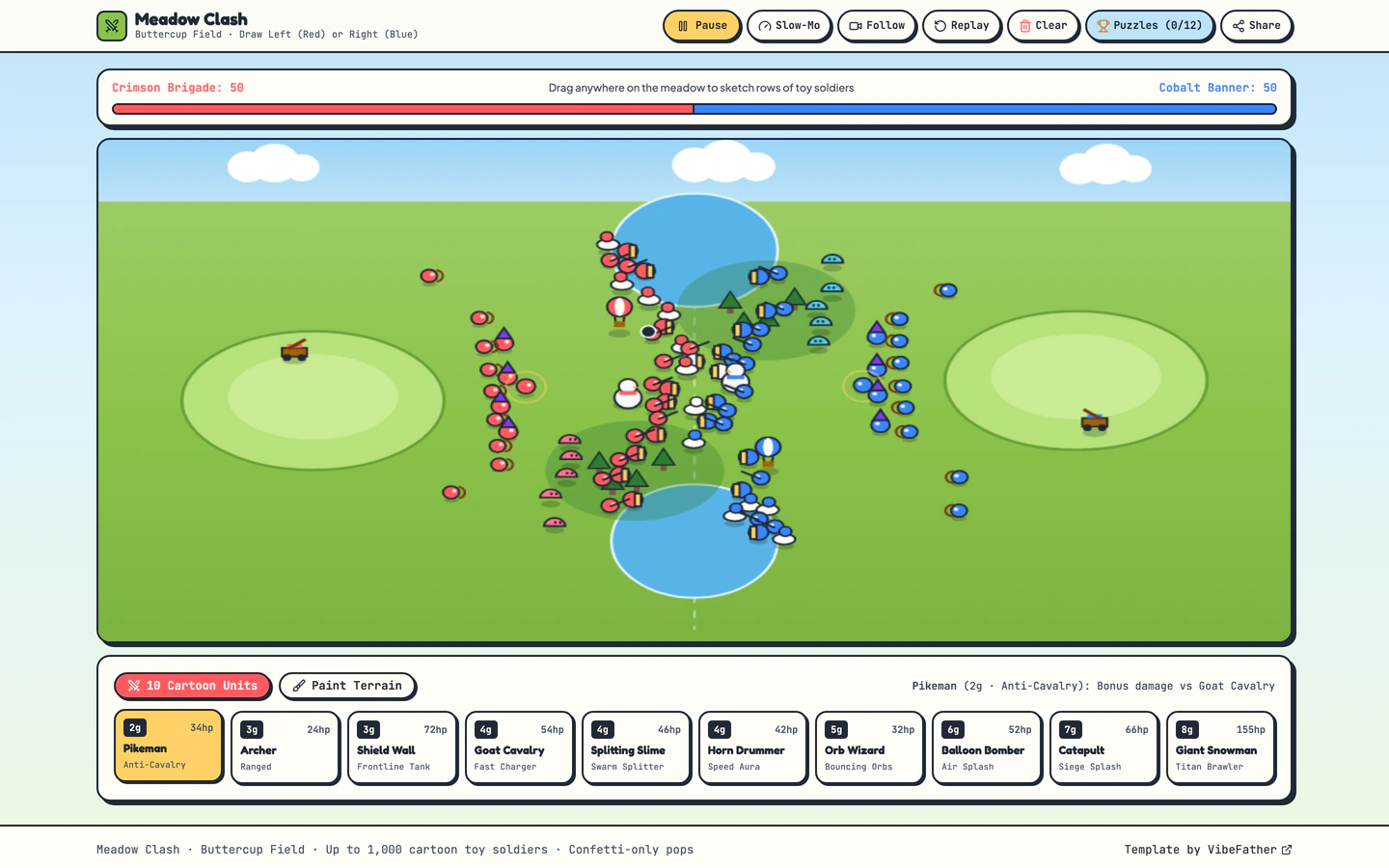
Sunny cartoon battle sandbox where you sketch rows of tiny soldiers on a meadow, paint terrain, and watch confetti clashes unfold.
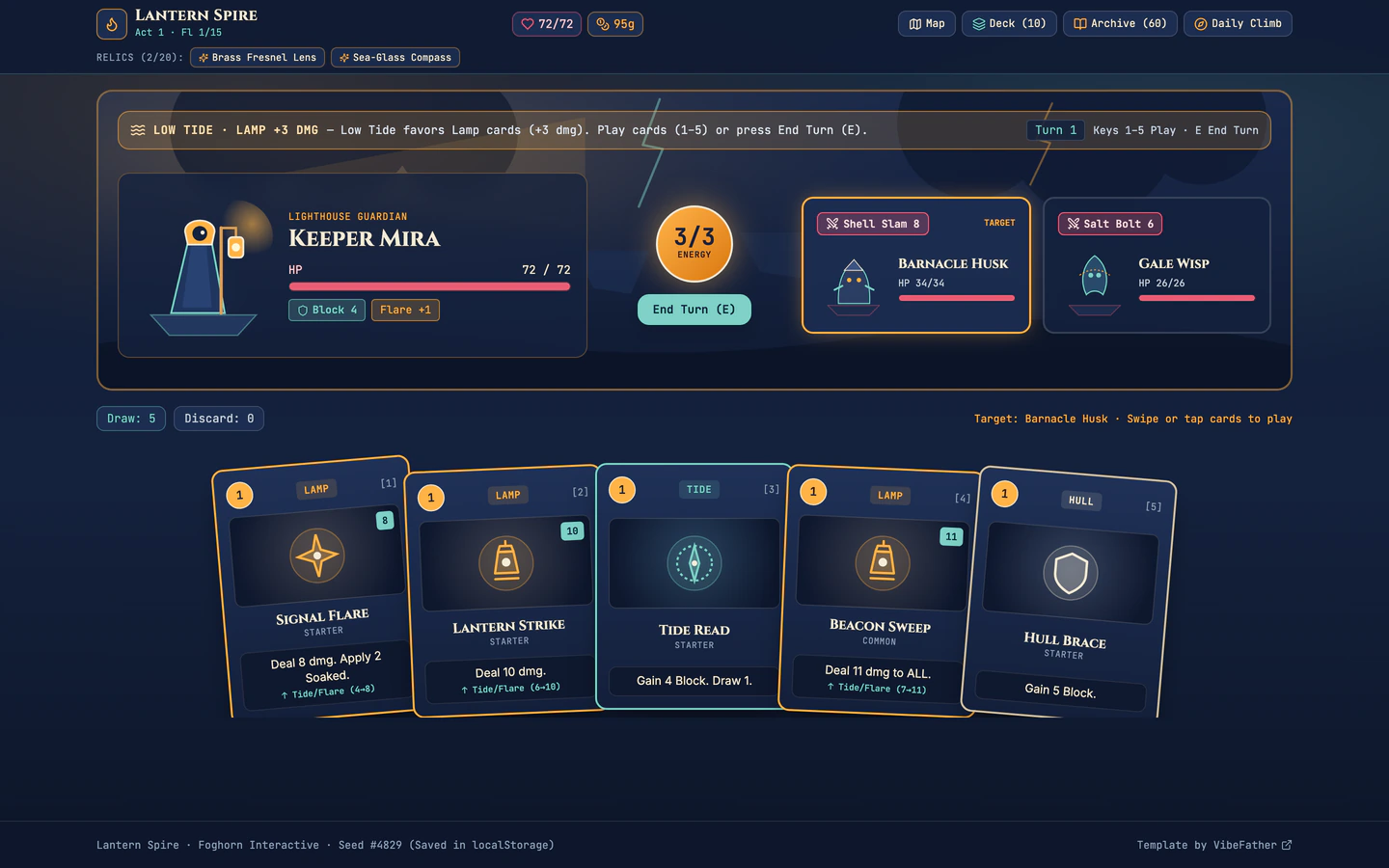
Nautical roguelike deckbuilder where a lighthouse keeper climbs storm-wrecked floating islands with 60 cards and 20 relics.
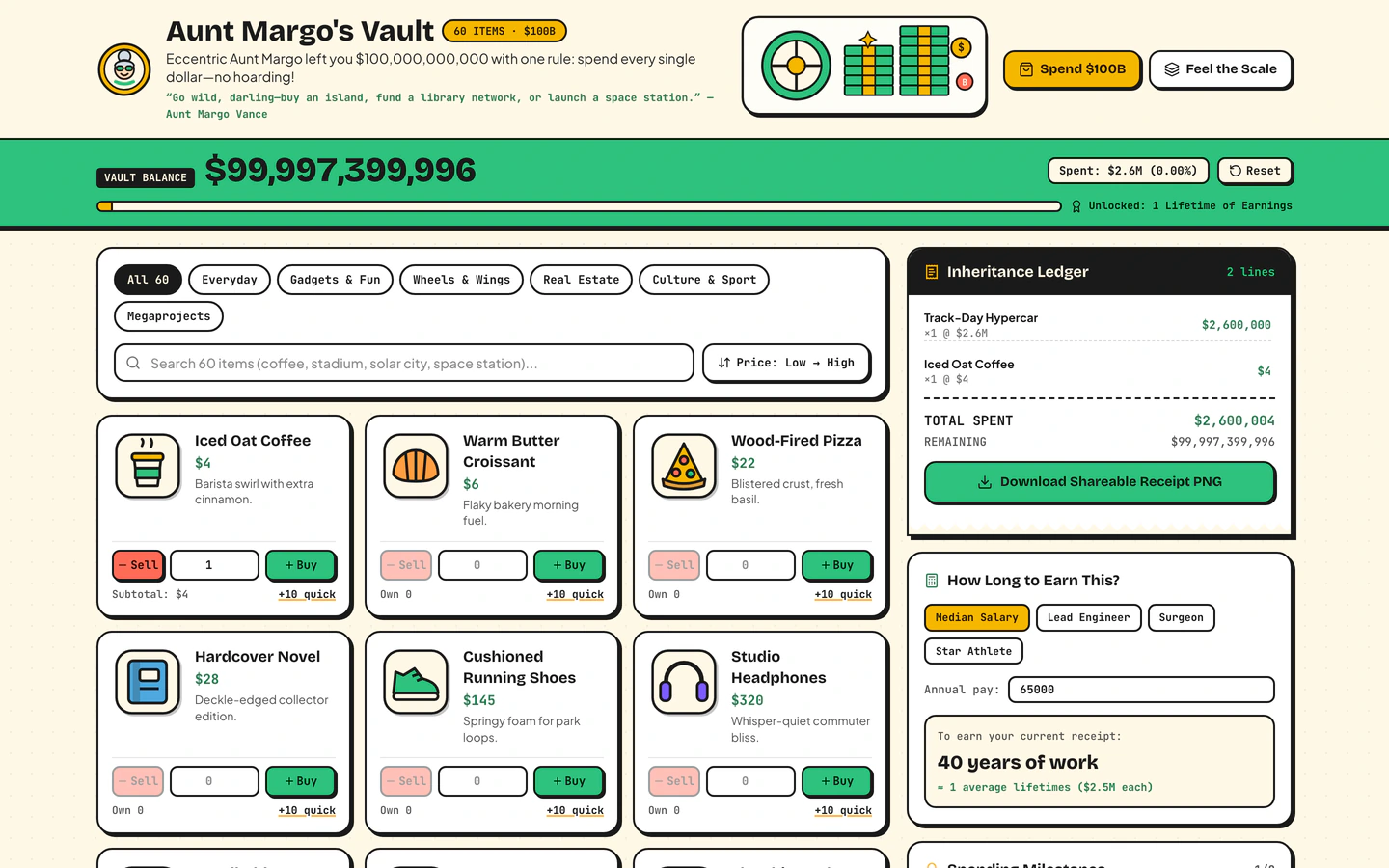
Inherit $100B from a fictional eccentric aunt, shop 60 sticker items, print a shareable receipt, and feel the scale of $1M vs $1B vs $1T.
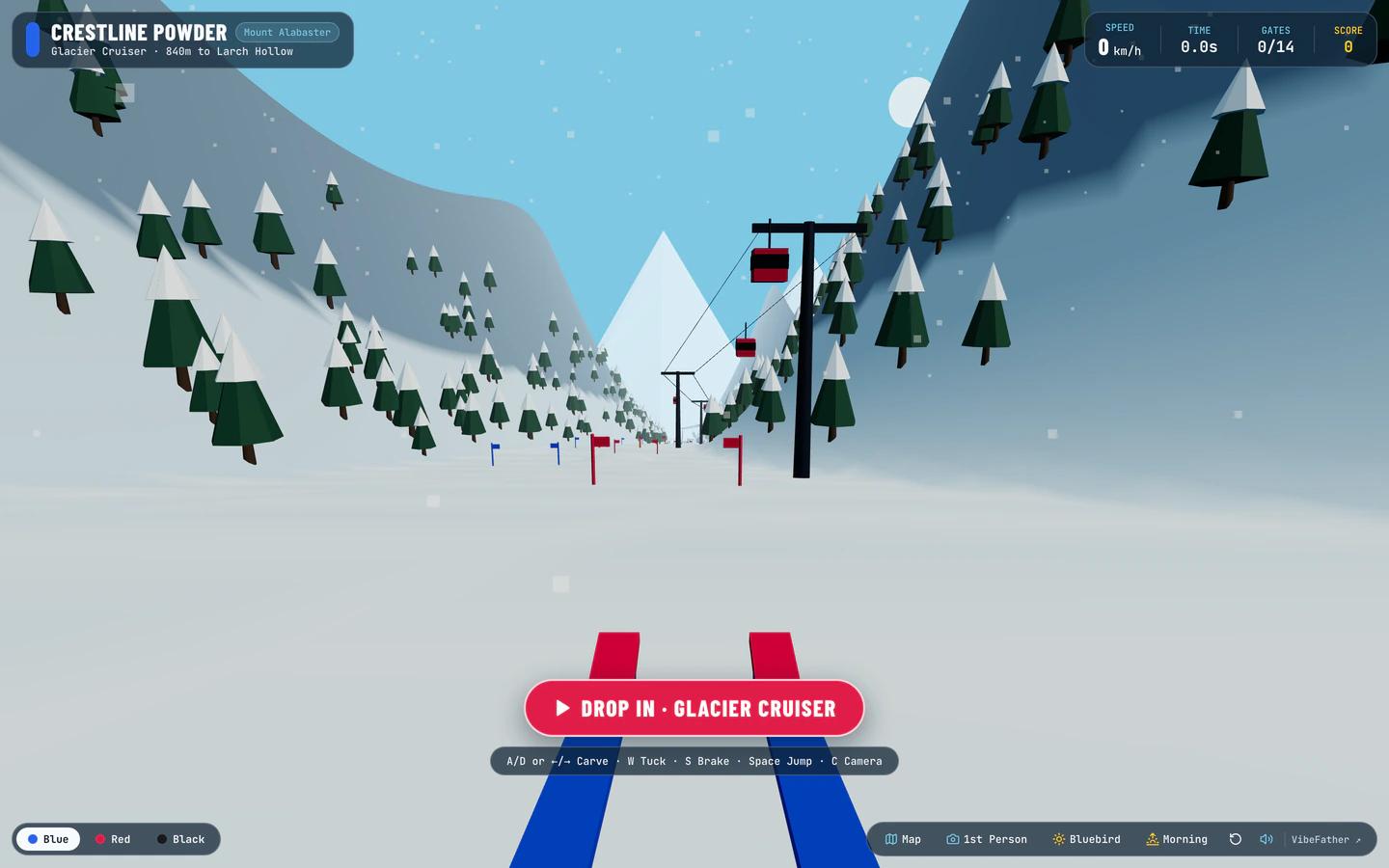
Carve down a procedural 3D alpine mountain through slalom gates, moguls, pine trees, and freeride jumps with live snow spray and wind audio.
Play Game templates on VibeFather are browser-based games and interactive toys you can build with an AI coding agent. This page collects 4 templates, 3 free and 1 Pro. They share a stack of Vite, React, TypeScript, Tailwind CSS and lucide-react, and the demos were built with GPT-6.2 Sol and Gemini 4 Neon through Antigravity and Codex. What differs is the kind of play: the First-Person Ski Run Game is a 3D alpine run with slalom gates and snow spray, the Spend a Billion Dollars Game is a shopping toy with 60 sticker items and a shareable receipt, the Draw Battle Simulator Game lets you sketch soldiers on a meadow and watch confetti clashes, and the Roguelike Deckbuilder Card Game is a nautical card run with 60 cards and 20 relics.
Starting from a tested prompt beats a blank chat because the hard parts of a game are already decided: the game loop, the scoring, the state changes and the mobile layout. You direct the agent to change the theme, the numbers and the win condition instead of explaining a whole game from scratch. Each template page shows the brief, stack and variables so you can see what to swap before you start.
Decide whether you want a run, a sandbox or a toy. The ski run and deckbuilder are run-based with a start and an end, while the billion-dollar game and draw battle are open sandboxes. That choice tells you which template to open and which variables matter most.
Change the brand name, the setting and the counts the game runs on, such as the 60 sticker items, 60 cards or 20 relics. Keep the counts consistent everywhere they appear so the shop, the deck and the receipt all match what the player sees.
Say clearly how a session ends and what the player earns. For the deckbuilder that means the run and the relics, for the ski game the gates and the finish. Ask the agent to state the rule in one sentence before it changes any screen.
Play the whole loop on a narrow screen. Drag, tap and scroll need to work without a keyboard, and the draw battle and ski run depend on pointer input. Ask the agent to add touch controls and larger tap targets where the desktop version relies on a mouse.
The billion-dollar game prints a shareable receipt, and the other games end in a result screen. Walk through a full session, then a second one, and confirm the score, receipt or card list resets cleanly and reads correctly when shared.
FAQ
Start from a Play Game template on VibeFather rather than a blank chat. Open a template page, read the brief and variables, then give the prompt to an AI coding agent such as Claude Code, Codex, Cursor, Windsurf or Gemini CLI. The agent builds the game loop, screens and styling, and you direct changes to the theme, the numbers and the win condition.
The First-Person Ski Run Game is the 3D option on this page. It uses three for a procedural alpine mountain with slalom gates, moguls, pine trees and freeride jumps, plus live snow spray and wind audio. The other Play Game templates are 2D browser games and interactive toys built with React and Tailwind CSS.
Commercial and client use needs Pro. The free Play Game templates' prompts and every DESIGN.md are free for personal, non-commercial use under CC BY-NC 4.0, while the Pro Roguelike Deckbuilder Card Game shows its brief, stack and variables publicly and its full prompt to Pro members. Source code of the demos comes with Pro.
Set the brand name and the inheritance story to your own, then replace the 60 sticker items with products your audience knows. Keep the shareable receipt, since it is the part players pass around. Ask the agent to keep the scale comparison between one million, one billion and one trillion intact so the game still teaches the same idea.
The templates are built with React and Tailwind CSS, which support responsive layouts, but each game depends on input. The ski run and the draw battle simulator rely on pointer movement, so ask your AI coding agent to add touch controls and larger tap targets, then play a full session on a narrow screen before you publish.
Change the meadow setting and the look of the soldiers first, since they set the tone of the whole sandbox. Then adjust how many rows a player can sketch and how the confetti clash resolves. The template is a sunny cartoon sandbox, so keeping the drawing step simple matters more than adding new unit types.
3 of the 4 website templates for play game on VibeFather have a free prompt and DESIGN.md for personal projects (CC BY-NC 4.0); 1 are Pro. Pro adds every prompt, the source code of each live demo and a commercial license.
The live demos here were built by GPT-6.2 Sol (4) and Gemini 4 Neon (4), each from the published prompt with nothing added. Every demo is labeled with the model and the coding tool that built it.