Racing Driver Personal Website (Pro)
Interactive racing driver site with a draggable 3D helmet morphing across 3 season liveries, globe calendar, and live lap telemetry.
Gemini 4 Neon
Type
2 3d experience website templates with live demos, including Racing Driver Personal Website and First-Person Ski Run Game.
2 templates, each with a live demo and the exact prompt that built it.
Often paired with
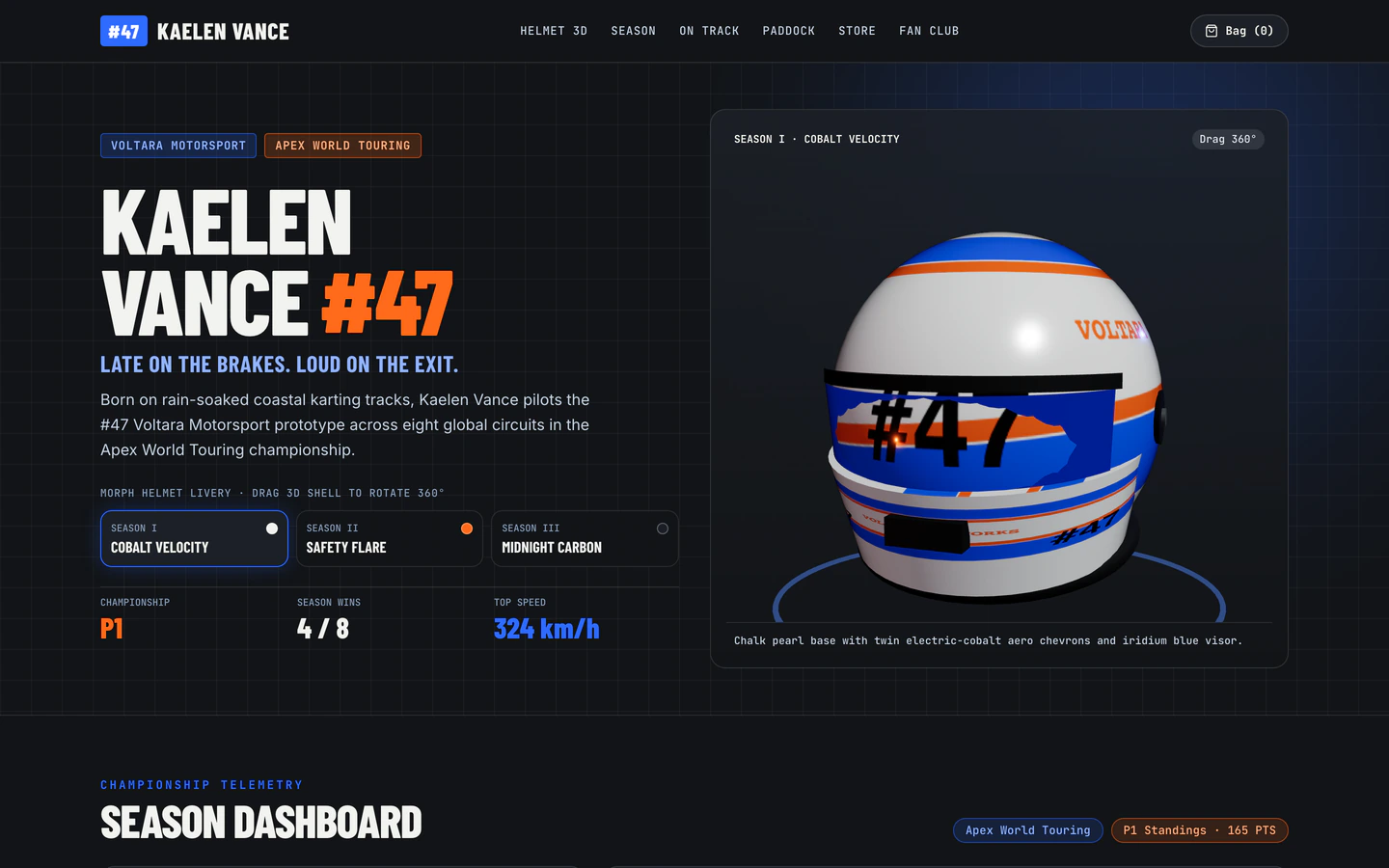
Interactive racing driver site with a draggable 3D helmet morphing across 3 season liveries, globe calendar, and live lap telemetry.
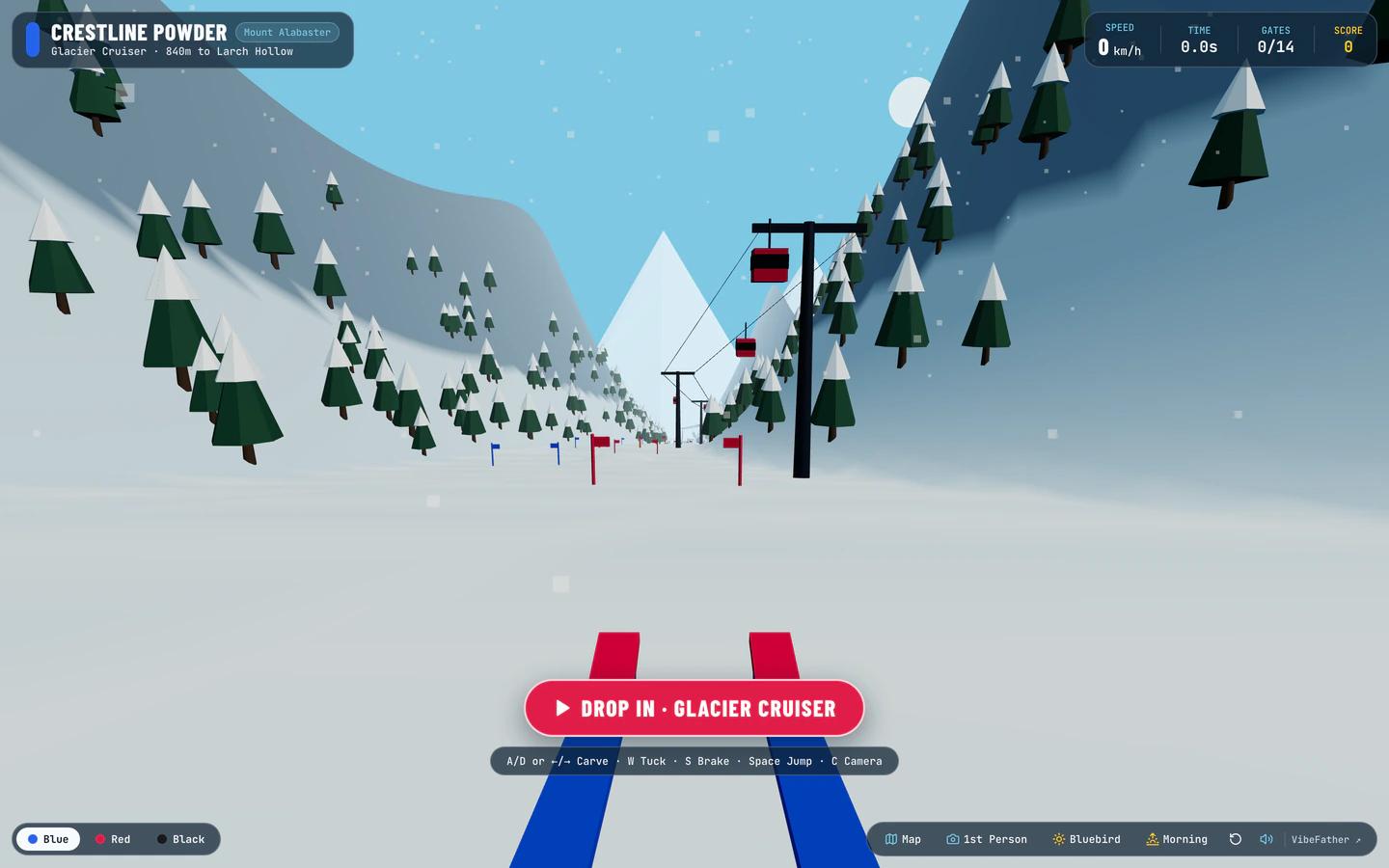
Carve down a procedural 3D alpine mountain through slalom gates, moguls, pine trees, and freeride jumps with live snow spray and wind audio.
3D Experience website templates on VibeFather are built for sites where the visitor moves through a scene rather than scrolling a page. The two templates here share a stack of Vite, React, TypeScript, Tailwind CSS and three, and both were built by AI coding agents from a published prompt. The Racing Driver Personal Website is a Pro template with a draggable 3D helmet that morphs across three season liveries, a globe calendar and live lap telemetry. The First-Person Ski Run Game is free and puts you on a procedural alpine mountain with slalom gates, moguls, pine trees and freeride jumps. One is a portfolio-style experience, the other a browser game, so they differ in pace, controls and what the visitor is asked to do.
Starting from a tested prompt matters more here than on a text-heavy site. A 3D scene needs a clear camera, lighting and interaction brief, or the agent improvises and the result is slow or unplayable on a phone. These prompts spell out the scene, the controls and the stack, so you can direct an agent such as Claude Code, Codex, Cursor or Antigravity toward a working experience and then change the content, the colors and the motion to fit your own subject.
Choose whether visitors drag an object, steer a character or watch a scene play. The Racing Driver template is object-led and the Ski Run template is control-led, and that choice decides the camera, the input method and how much of the page is 3D versus regular content.
Write down the environment, the lighting and the boundaries of the 3D area before prompting. For a ski game that means the mountain, gates and jumps; for a driver site it means the helmet, its liveries and the telemetry panel that sits around the canvas.
Replace sample names, season labels, lap data and calendar entries with your own. The 3D object should carry your identity, so set the helmet livery colors or the mountain palette to match your brand rather than leaving the demo values in place.
Test dragging, steering and any on-screen buttons on a small touch screen. A 3D experience that needs a mouse or a keyboard will lose most visitors, so ask the agent for touch controls and a clear start action before the scene takes over the screen.
Keep a readable text section with your story, contact details and links, and make sure the 3D scene loads without blocking it. Visitors who cannot or do not want to interact should still learn who you are and how to reach you.
FAQ
Yes. The 3D Experience templates on VibeFather were built by AI coding agents from a published prompt, and the demos list GPT-6.2 Sol and Gemini 4 Neon as the models, with Antigravity and Codex as the tools. You can take the same prompt into Claude Code or another agent in the allowed list and direct it to change the scene, the controls and the branding.
The Racing Driver Personal Website is a Pro template built around a draggable 3D helmet that morphs across three season liveries, with a globe calendar and live lap telemetry. The First-Person Ski Run Game is a free browser game where you carve down a procedural alpine mountain through slalom gates, moguls, pine trees and freeride jumps. One presents a person, the other plays as a game.
Start with the First-Person Ski Run Game prompt and ask the agent to replace the mountain palette, the gate styling and any on-screen labels with your brand. Keep the procedural mountain and the slalom structure, then add a short text section with your name, a contact link and a line about what the game is for, so the page works beyond the playable scene.
The templates are built with React, Tailwind CSS and three, so the layout can adapt, but a 3D scene needs touch controls to be usable on a phone. When you direct an agent, ask for drag or tap controls, a clear start button and a loading state. Test the scene on a small screen before publishing, because a mouse-only interaction will not work for most visitors.
Commercial and client use needs Pro. Free templates' prompts and every DESIGN.md are free for personal, non-commercial use under CC BY-NC 4.0, while Pro templates show the brief, stack and variables publicly and the full prompt to Pro members, and source code of the demos comes with Pro. The First-Person Ski Run Game is free and the Racing Driver Personal Website is Pro.
Change the subject of the scene before anything else: the helmet liveries and season labels for the Racing Driver Personal Website, or the mountain look and gate styling for the First-Person Ski Run Game. Then replace sample telemetry, calendar entries and names with your own, and check that the controls still feel right after the changes.
1 of the 2 3d experience website templates on VibeFather have a free prompt and DESIGN.md for personal projects (CC BY-NC 4.0); 1 are Pro. Pro adds every prompt, the source code of each live demo and a commercial license.
The live demos here were built by Gemini 4 Neon (2) and GPT-6.2 Sol (2), each from the published prompt with nothing added. Every demo is labeled with the model and the coding tool that built it.