Racing Driver Personal Website (Pro)
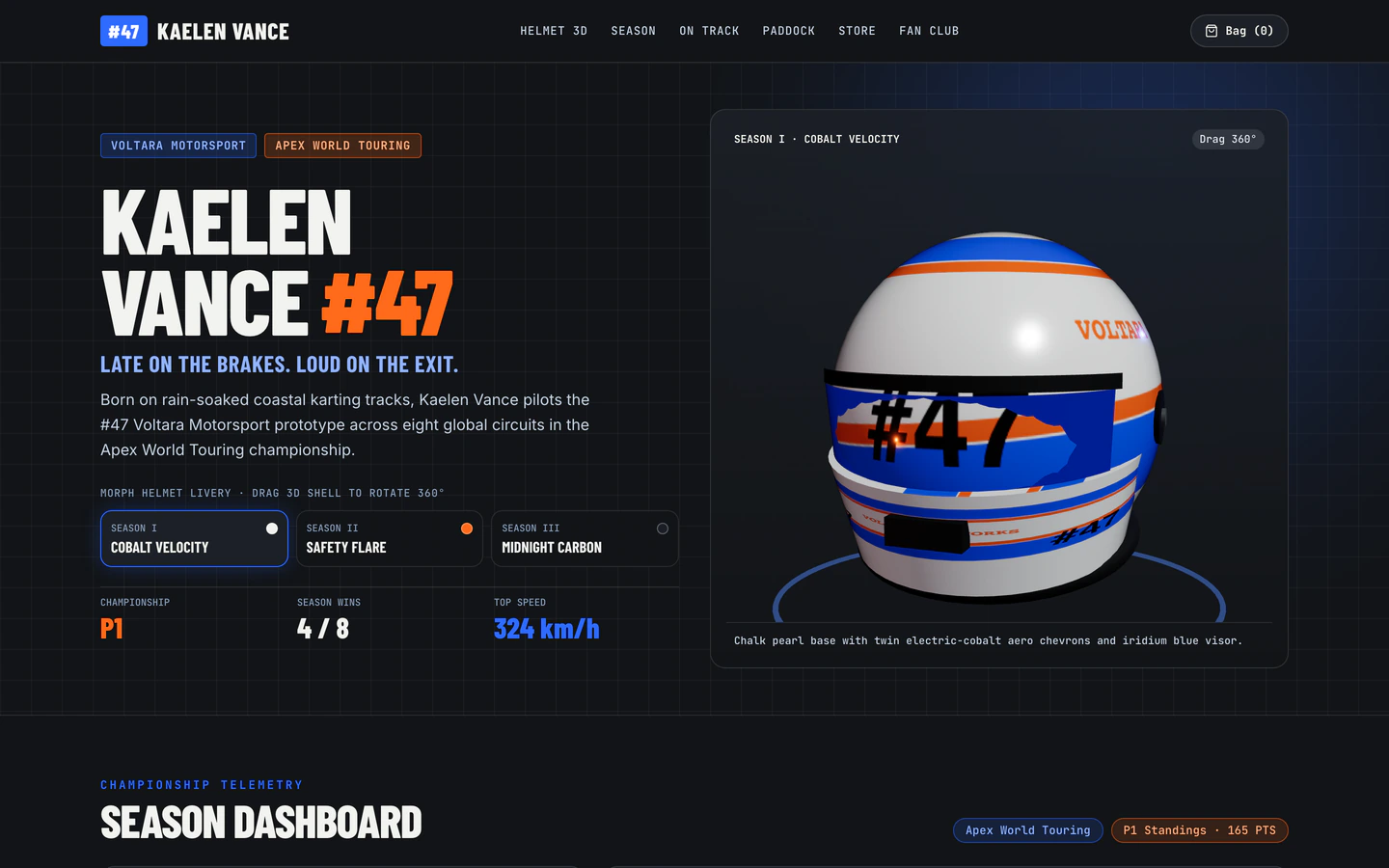
Interactive racing driver site with a draggable 3D helmet morphing across 3 season liveries, globe calendar, and live lap telemetry.
Gemini 4 Neon
Use case
2 website templates for showcase with live demos, including Racing Driver Personal Website and Movie Promo Website.
2 templates, each with a live demo and the exact prompt that built it.
Often paired with
Interactive racing driver site with a draggable 3D helmet morphing across 3 season liveries, globe calendar, and live lap telemetry.
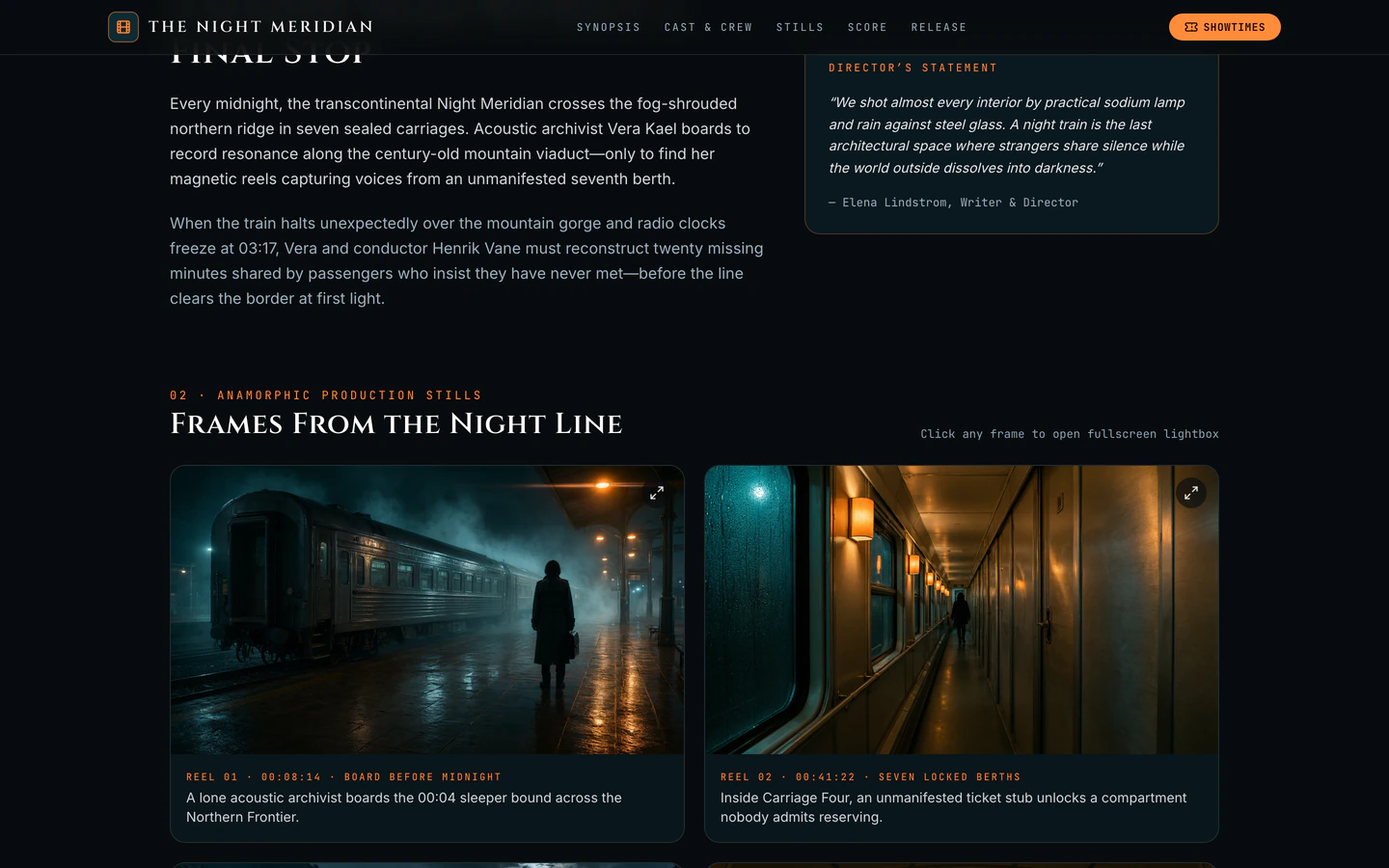
Cinematic promo site for a near-future night-train mystery with animated trailer hero, lightbox gallery, Web Audio score, and press kit.
Showcase websites are built to make one thing the centre of attention: a film, a driver, a body of work. The two templates on this page take that idea in different directions. The Movie Promo Website is a cinematic single-page promo with an animated trailer hero, a lightbox gallery, a Web Audio score and a press kit. The Racing Driver Personal Website puts a draggable 3D helmet at the centre, morphing across three season liveries, with a globe calendar and live lap telemetry. Both are dark, editorial and built on React with Vite and Tailwind CSS; one adds three for the 3D work.
Starting from a published prompt beats a blank chat because the hard decisions are already made: what the hero does, which sections carry the story, how the gallery and press material fit together. You open the prompt, read the brief and variables, then direct your AI coding agent to change the content rather than invent a structure. The demos were built with Gemini 4 Neon and GPT-6.2 Sol in Antigravity and Codex.
Before prompting, write one sentence naming the subject and the single impression it should leave. A showcase site fails when it tries to present everything. Use that sentence to choose between the cinematic trailer-led structure of the Movie Promo Website and the interactive 3D object-led structure of the Racing Driver Personal Website.
Open the brief and fill in the brand name, tagline, colours and the content the hero depends on: trailer or helmet, gallery images, press details, calendar entries. Changing these before you touch layout keeps the AI agent from rebuilding sections it did not need to touch.
Both templates rely on media doing the heavy lifting. Swap the trailer, gallery stills and press kit for your own assets, keep file sizes sensible, and check that the lightbox and the audio score still behave once your files are in place rather than the demo ones.
A draggable 3D helmet and a trailer hero both behave differently on a phone. Test touch dragging, the globe calendar and the lightbox on a real handset, and ask your agent to simplify or disable the heaviest interaction on small screens if it feels awkward.
Each template is one page, so the whole story has to hold together in one scroll. Read it top to bottom on desktop and mobile, confirm the press kit links work, and make sure the closing section gives visitors a clear next step rather than trailing off.
FAQ
A showcase template is for a site whose job is to present one subject well: a film release, an athlete, a portfolio or a launch. The two templates here are single-page builds. The Movie Promo Website leads with a cinematic trailer hero, gallery and press kit, while the Racing Driver Personal Website leads with a draggable 3D helmet, globe calendar and lap telemetry.
Commercial and client use of VibeFather templates needs Pro. The free Movie Promo Website prompt and every DESIGN.md are licensed for personal, non-commercial use under CC BY-NC 4.0. The Racing Driver Personal Website is a Pro template: its brief, stack and variables are public, and Pro members get the full prompt and the source code of the demos.
No. You direct an AI coding agent in plain language and it handles the three.js scene or the Web Audio score. What you need to decide is the content: which helmet liveries or trailer clips to feature, what the gallery holds, and what the press kit offers. The published prompt already sets up the technical structure, so your changes are mostly content and styling.
The demos were built in Antigravity and Codex, and the prompts are written as plain instructions you can paste into an agent such as Claude Code, Cursor, GitHub Copilot, Windsurf or Gemini CLI. The Movie Promo Website demo came from Gemini 4 Neon; the Racing Driver Personal Website demo came from GPT-6.2 Sol and Gemini 4 Neon.
Replace the title, tagline and synopsis with your film's details, swap the trailer and gallery stills for your own, and rewrite the press kit entries with your cast, crew and contact information. Keep the animated trailer hero and lightbox gallery structure, and check that your trailer file loads quickly on a phone before publishing.
Start with the driver name, team and season details, then replace the three season liveries on the 3D helmet with your own colours and update the globe calendar with your race dates. The lap telemetry section needs real or realistic numbers, so decide where those come from before you publish the page.
1 of the 2 website templates for showcase on VibeFather have a free prompt and DESIGN.md for personal projects (CC BY-NC 4.0); 1 are Pro. Pro adds every prompt, the source code of each live demo and a commercial license.
The live demos here were built by Gemini 4 Neon (2) and GPT-6.2 Sol (1), each from the published prompt with nothing added. Every demo is labeled with the model and the coding tool that built it.