Black Hole Interactive Explainer
Orbit a real-time ray-marched black hole with gravitational lensing, then explore event horizons, time dilation clocks, and cosmic scales.
Gemini 4 Neon
Type
2 landing website templates with live demos, including Black Hole Interactive Explainer and Movie Promo Website.
2 templates, each with a live demo and the exact prompt that built it.
Often paired with
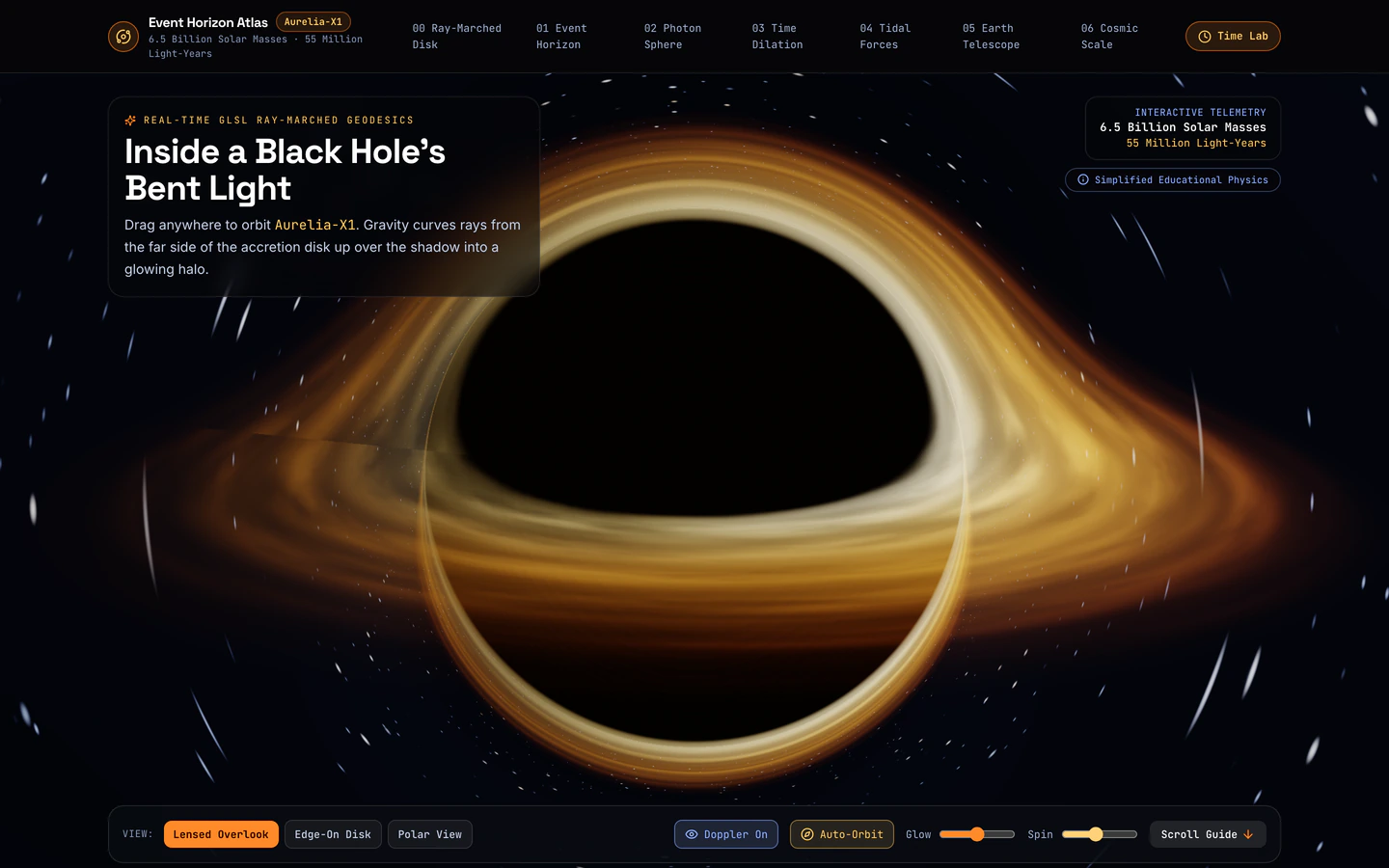
Orbit a real-time ray-marched black hole with gravitational lensing, then explore event horizons, time dilation clocks, and cosmic scales.
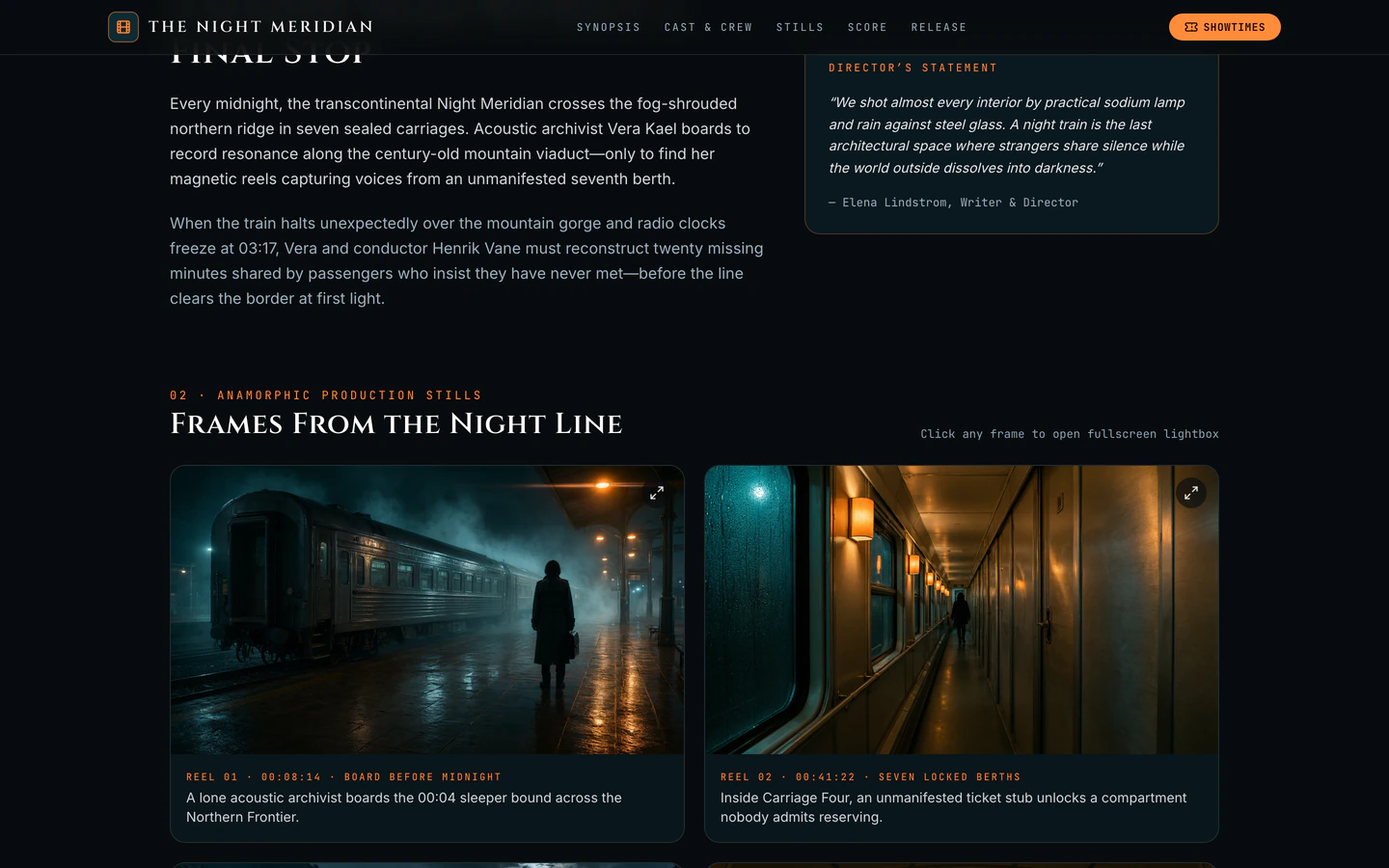
Cinematic promo site for a near-future night-train mystery with animated trailer hero, lightbox gallery, Web Audio score, and press kit.
Landing pages on VibeFather are single-page sites built to hold attention and push one action, whether that is watching a trailer, signing up or exploring an idea. The two landing templates here share a dark, cinematic mood and a modern React and Tailwind CSS stack, but they use it differently. Movie Promo Website is an editorial promo page for a near-future night-train mystery, with an animated trailer hero, a lightbox gallery, a Web Audio score and a press kit. Black Hole Interactive Explainer turns the same single-page format into a real-time 3D experience, letting visitors orbit a ray-marched black hole and compare time dilation clocks.
Both landing website templates are free, and both were built by Gemini 4 Neon in Antigravity from a published prompt and DESIGN.md. Starting from a tested prompt gives your AI coding agent a defined structure, section order and visual system instead of a blank chat, so the first draft already reads like a finished landing page. You then direct the changes that matter: the headline, the single call to action, the hero media and how the page behaves on a phone.
Before prompting, write down the single action your landing page should drive: watch the trailer, join a list, or start the interactive explainer. Both templates are one page, so every section should support that action. Tell your AI agent the action first and let it place the hero, gallery and closing section around it.
Pick between an animated trailer hero like Movie Promo Website or a real-time 3D scene like Black Hole Interactive Explainer. The hero sets the stack: the explainer adds three for WebGL, while the promo relies on animated media. Tell your agent which one you want and what media or 3D subject replaces the sample.
Give your agent the brand name, tagline, headline and short description, then replace the sample film or cosmic subject with yours. Keep the section order intact at first, because the templates are built as a single narrative from hero to closing call to action. Rewrite the press kit or explainer text in the same voice.
Landing pages are mostly opened on phones, so test the hero, gallery lightbox and any audio or 3D controls at a narrow width. Ask your agent to keep the call to action reachable without scrolling past heavy media, and to pause or reduce animation where it would block reading. Confirm the page still loads with sound off.
Replace the sample press kit download, trailer link or explainer prompt with your real destination, such as a mailing list form, a booking link or a full site. Keep the page single-purpose: one primary link, one secondary. Then read the copy aloud once to catch sample text that no longer fits your subject.
FAQ
A landing website template is a single-page site built around one action, such as watching a trailer, joining a list or exploring an interactive idea. The Landing tag on VibeFather lists two free templates: Movie Promo Website, a cinematic promo page with an animated trailer hero, lightbox gallery, Web Audio score and press kit, and Black Hole Interactive Explainer, a real-time 3D explainer with gravitational lensing and time dilation clocks. Both use Vite, React, TypeScript and Tailwind CSS.
Yes. The landing website templates on VibeFather are published as prompts and DESIGN.md files, so you can paste them into Claude Code, Cursor, Codex, GitHub Copilot, Windsurf or Gemini CLI and let the agent build the page. The demos here were built by Gemini 4 Neon in Antigravity, and the prompt and design notes describe the same sections, stack and variables so another agent can follow them.
Replace the sample night-train mystery with your title, tagline and short synopsis, then swap the trailer hero media and lightbox gallery images for your own stills and video. Keep the press kit section and point its download or contact link at your real assets. The page is one page, so the hero, gallery and press kit should all lead toward the same action, such as watching the trailer or requesting press access.
The Black Hole Interactive Explainer is a single-page landing built around a real-time 3D scene, so it suits products, courses or science communication where the interactive demo is the main attraction. You can keep the orbit and time dilation sections and replace the subject with your own 3D model or explainer topic. It was built with three for WebGL, so plan for a fallback message on devices that cannot render the scene.
The prompts for free landing website templates and every DESIGN.md are free for personal, non-commercial use under CC BY-NC 4.0. Commercial and client work needs a Pro membership, and the source code of the demos comes with Pro. The two landing templates listed here are free, so you can study the brief, stack and variables publicly, but check your license before shipping one for a paying client.
Change the headline, tagline and primary call to action first, because a landing page succeeds or fails on whether visitors understand the offer and know what to do next. Then replace the hero media or 3D subject and the gallery or explainer content with your own. Leave the section order and layout alone until the copy reads correctly, then adjust spacing and mobile behaviour with your AI agent.
2 of the 2 landing website templates on VibeFather have a free prompt and DESIGN.md for personal projects (CC BY-NC 4.0). Pro adds every prompt, the source code of each live demo and a commercial license.
The live demos here were built by Gemini 4 Neon (2), each from the published prompt with nothing added. Every demo is labeled with the model and the coding tool that built it.