Draw Battle Simulator Game
Sunny cartoon battle sandbox where you sketch rows of tiny soldiers on a meadow, paint terrain, and watch confetti clashes unfold.
Gemini 4 Neon
Stack
3 canvas website templates with live demos, including Draw Battle Simulator Game, Spend a Billion Dollars Game and Weather Forecast App.
3 templates, each with a live demo and the exact prompt that built it.
Often paired with
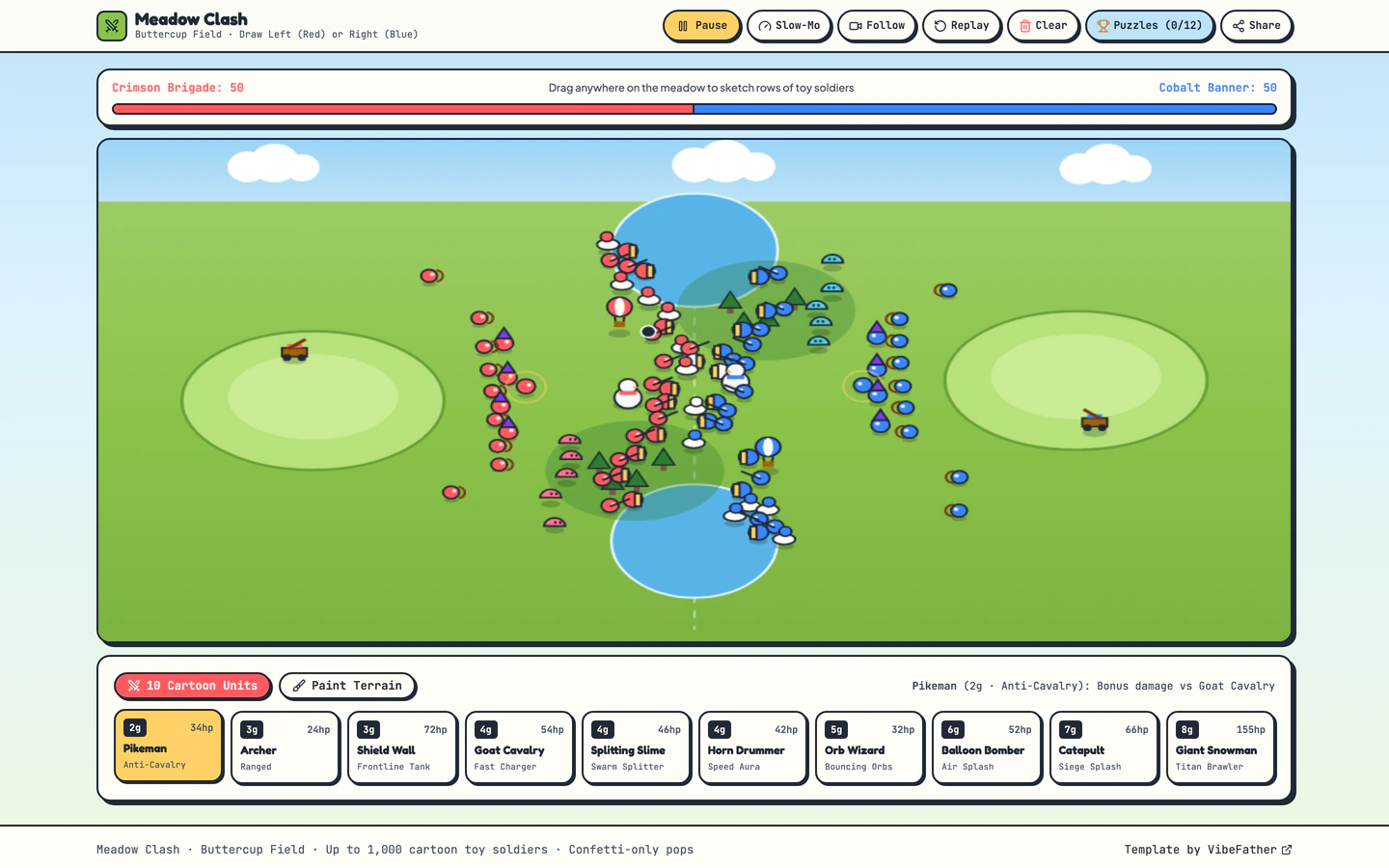
Sunny cartoon battle sandbox where you sketch rows of tiny soldiers on a meadow, paint terrain, and watch confetti clashes unfold.
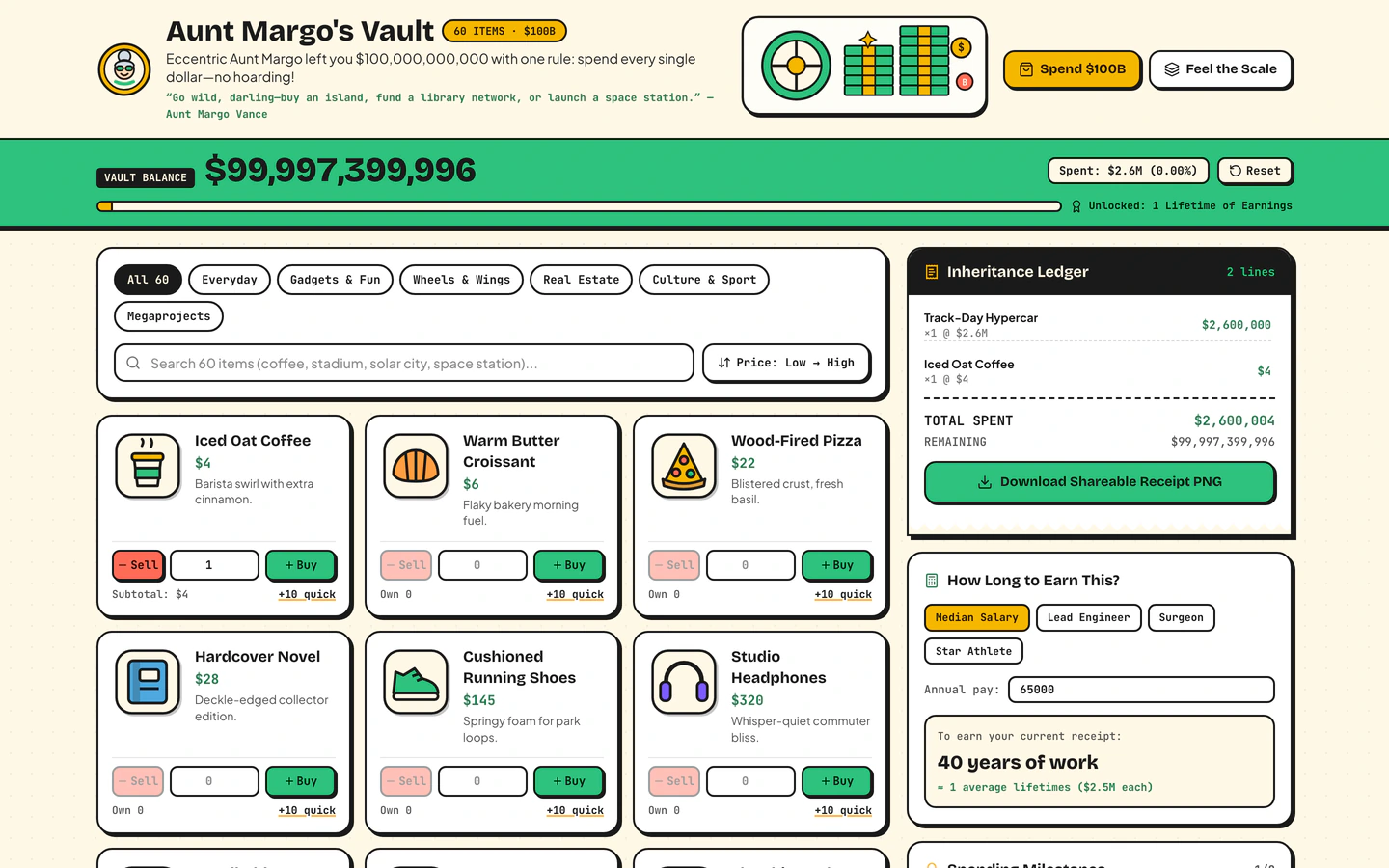
Inherit $100B from a fictional eccentric aunt, shop 60 sticker items, print a shareable receipt, and feel the scale of $1M vs $1B vs $1T.
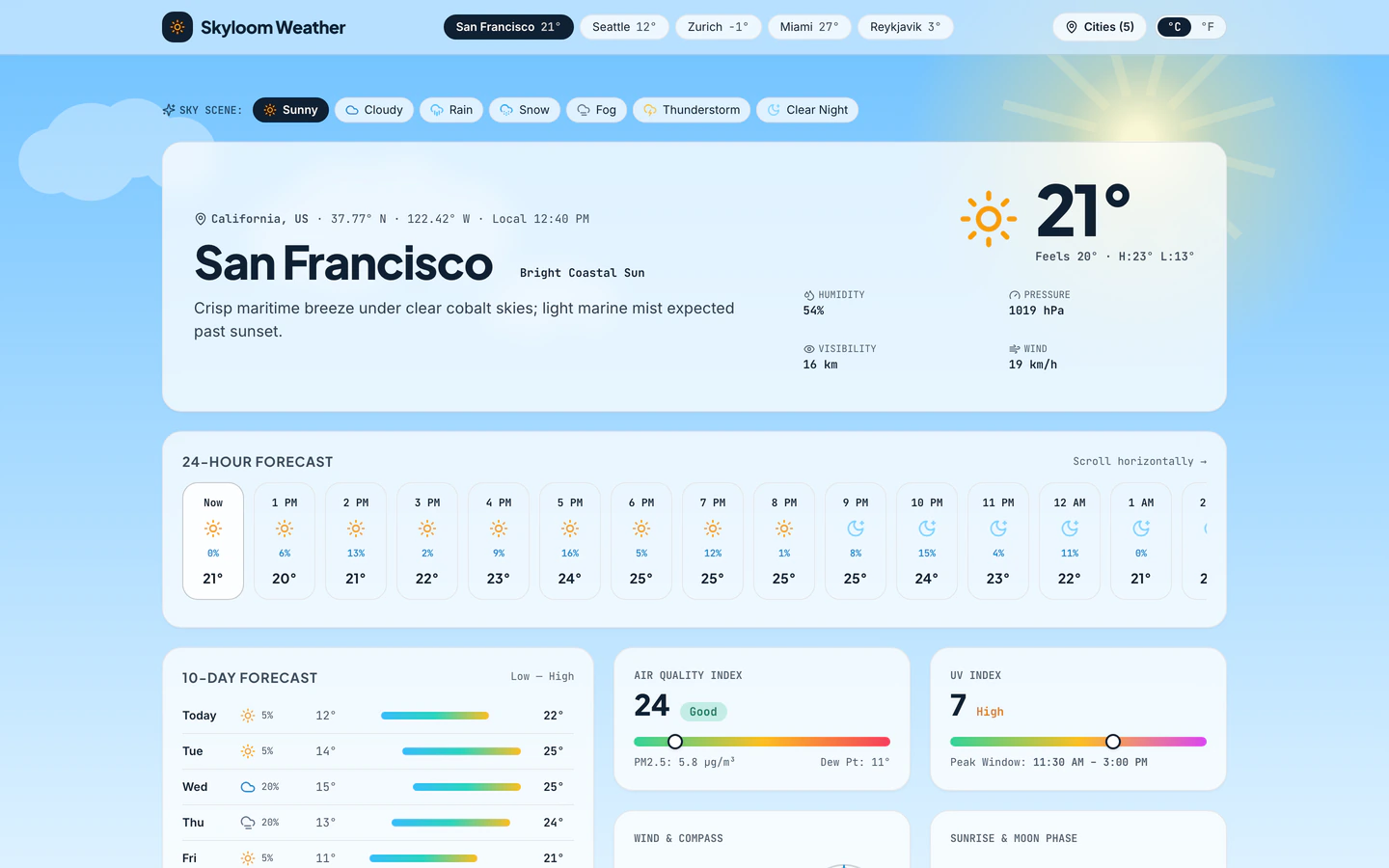
Atmospheric weather app with live animated Canvas sky scenes, 10-day bars, AQI, wind compass, radar timeline, and 6 cities.
Canvas website templates on VibeFather are built for browser experiences that draw and animate in real time rather than laying out static pages. The three templates here share that core: the Weather Forecast App paints animated sky scenes behind 10-day bars, an air quality reading, a wind compass and a radar timeline; the Spend a Billion Dollars Game renders 60 sticker items and a shareable receipt; and the Draw Battle Simulator Game lets you sketch rows of tiny soldiers on a meadow, paint terrain and watch cartoon clashes play out. All three are free and all three run on React and Vite.
What separates them is intent. Weather Forecast App is a dashboard for six cities, Spend a Billion Dollars Game is a money-scale toy, and Draw Battle Simulator Game is a one-page sandbox. Starting from a published prompt beats a blank chat because the canvas loop, the state handling and the responsive layout are already decided, so you direct the agent toward your own scenes, items or terrain instead of debugging a blank drawing surface.
Before prompting, list what the canvas must animate or react to: sky layers and weather states, sticker items and totals, or soldier rows and terrain strokes. Each template already ships one of these loops, so name the one you want and what should change when a visitor clicks, drags or waits.
Open the template's variables and replace the example content with yours. Weather Forecast App needs your six cities and their readings, Spend a Billion Dollars Game needs your item names and prices, and Draw Battle Simulator Game needs your terrain palette and unit types. Keep the shape of the data and the canvas keeps working.
Tell your AI coding agent what the drawn surface should feel like, then check it against the demo. The weather scenes are atmospheric, the spending game is sticker-flat, and the battle sandbox is sunny cartoon. Changing colors and shapes is safe; changing the drawing loop usually means rewriting the animation.
Canvas interactions behave differently on touch screens. Load each page on a phone and check that dragging soldiers, tapping items and scrolling past the sky scene all work without the canvas capturing the scroll. Set a fixed canvas size or scale it to the viewport before you publish.
The demos were built with Gemini 4 Neon, GPT-6.2 Sol, Antigravity and Codex, but you can hand the prompt to Claude Code, Cursor, Windsurf or Gemini CLI. Keep the prompt's structure and ask for the canvas changes one at a time so you can see what each edit did.
FAQ
Canvas website templates on VibeFather are starting points for sites that draw and animate in the browser. The three free templates cover an atmospheric weather dashboard with animated sky scenes, a spending game where you shop 60 sticker items and print a receipt, and a cartoon battle sandbox where you sketch soldiers on a meadow. Each one is a working site you can adapt rather than a blank drawing surface.
Start from the Weather Forecast App template, which already renders animated sky scenes behind 10-day bars, an air quality reading, a wind compass and a radar timeline for six cities. Give your AI coding agent the prompt, then swap the six cities and their readings for your own locations. Keep the scene structure and change the colors and weather states to match the place you are covering.
Claude Code can build a browser game that draws on Canvas if you give it a clear prompt and a working starting point. The Draw Battle Simulator Game and Spend a Billion Dollars Game demos were built with Gemini 4 Neon, GPT-6.2 Sol, Antigravity and Codex, and their published prompts describe the drawing loop, the items and the clash behavior. Hand that prompt to Claude Code and ask for changes one at a time.
The Draw Battle Simulator Game draws rows of tiny soldiers on a meadow, so the theme lives in the unit types, the terrain palette and the cartoon style. Ask your AI agent to replace soldiers with your own units, such as racing cars or garden creatures, and repaint the terrain. Keep the sketch-and-watch loop intact, since that is what makes the page work.
Canvas templates on VibeFather are built with React and Vite, which produce a static site you can host on any static host. They are responsive, but canvas input needs testing on a phone: check that dragging soldiers or tapping items works and that the canvas does not swallow page scrolling. Scale the canvas to the viewport before you publish.
Free canvas templates' prompts and every DESIGN.md are free for personal, non-commercial use under CC BY-NC 4.0. Commercial and client work needs Pro, which also includes the source code of the demos. All three templates on this page are free, so a client project means upgrading before you hand the site over.
3 of the 3 canvas website templates on VibeFather have a free prompt and DESIGN.md for personal projects (CC BY-NC 4.0). Pro adds every prompt, the source code of each live demo and a commercial license.
The live demos here were built by Gemini 4 Neon (3) and GPT-6.2 Sol (2), each from the published prompt with nothing added. Every demo is labeled with the model and the coding tool that built it.