Draw Battle Simulator Game
Sunny cartoon battle sandbox where you sketch rows of tiny soldiers on a meadow, paint terrain, and watch confetti clashes unfold.
Gemini 4 Neon
Role
3 website templates for casual player with live demos, including Draw Battle Simulator Game, Spend a Billion Dollars Game and First-Person Ski Run Game.
3 templates, each with a live demo and the exact prompt that built it.
Often paired with
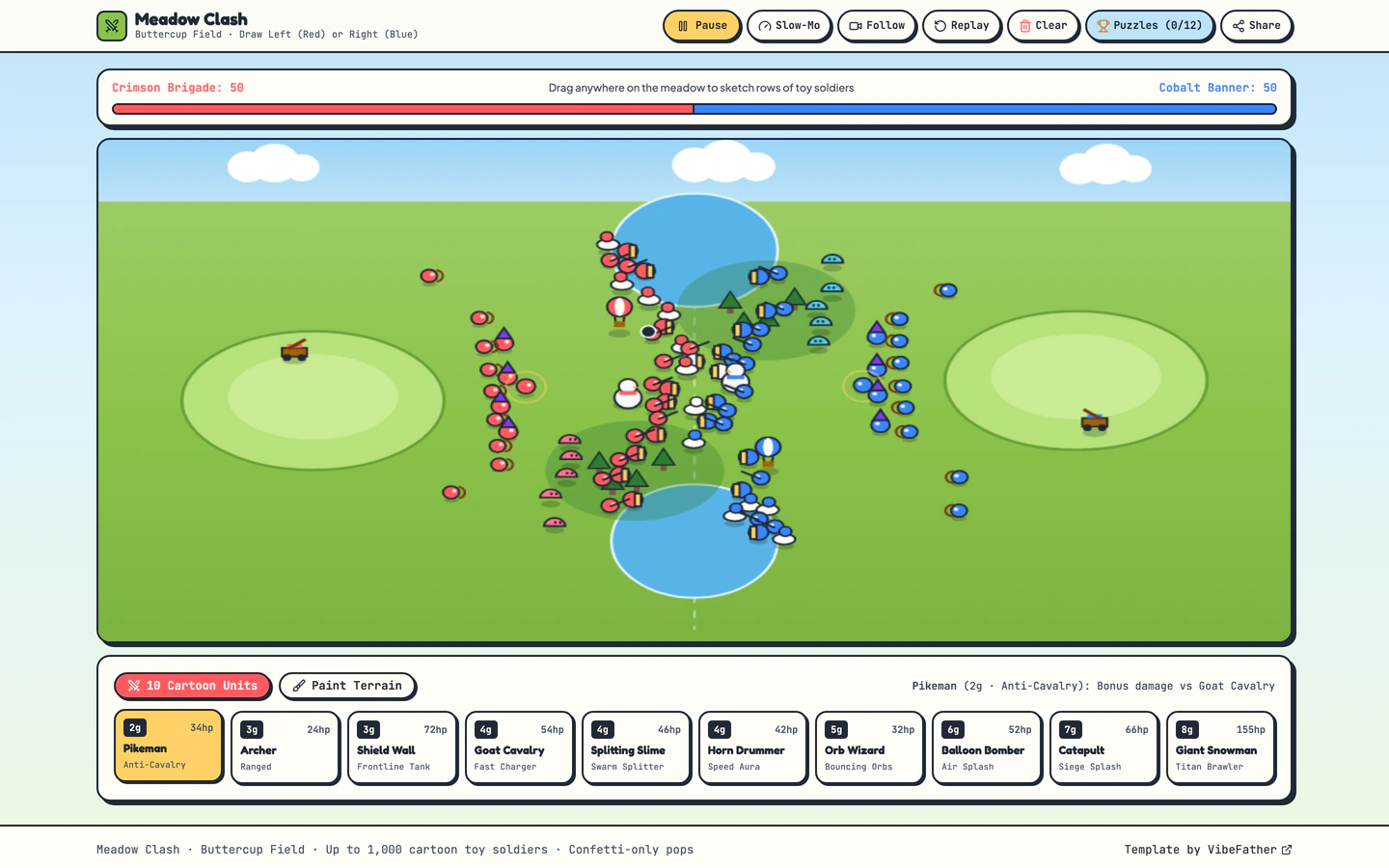
Sunny cartoon battle sandbox where you sketch rows of tiny soldiers on a meadow, paint terrain, and watch confetti clashes unfold.
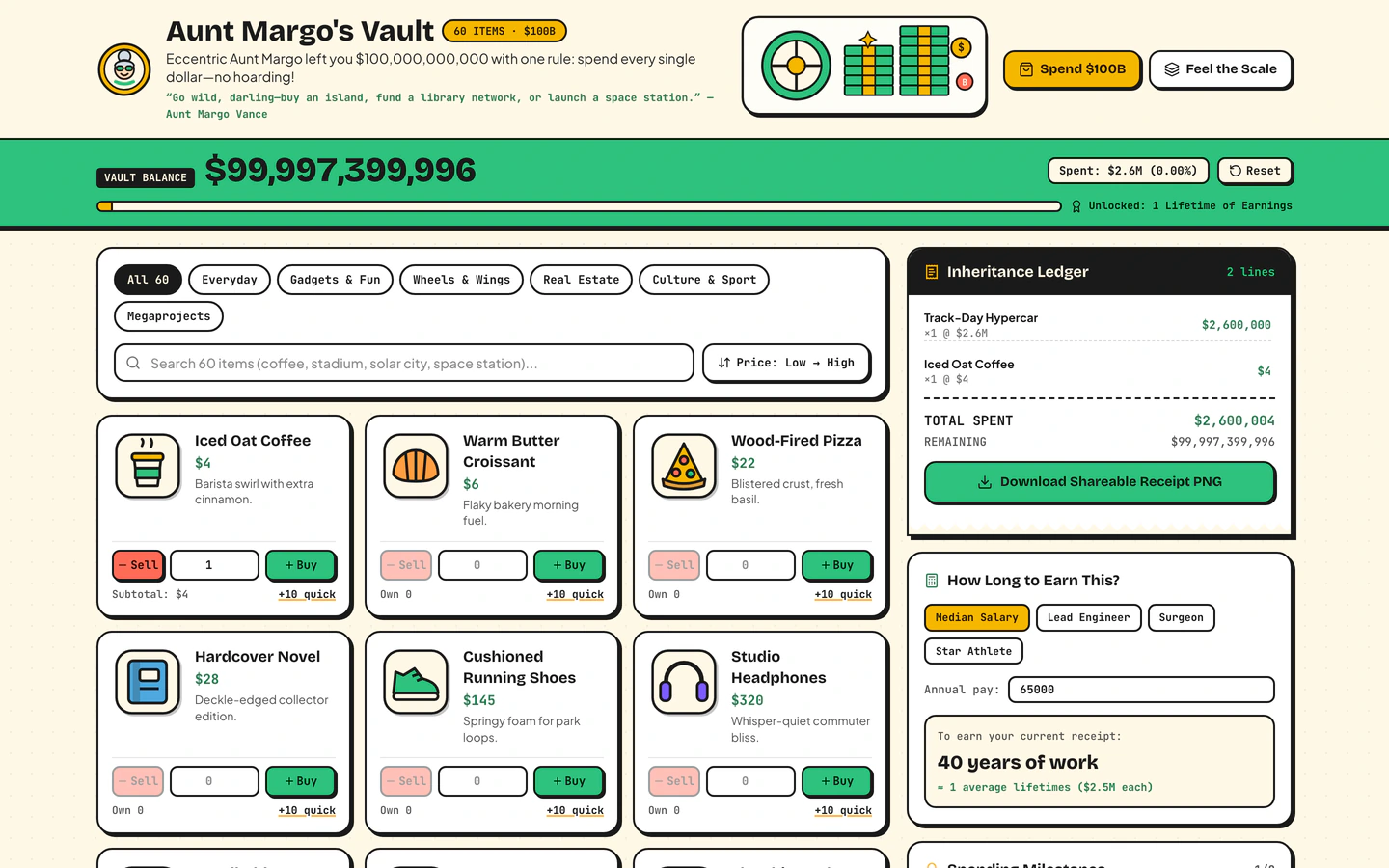
Inherit $100B from a fictional eccentric aunt, shop 60 sticker items, print a shareable receipt, and feel the scale of $1M vs $1B vs $1T.
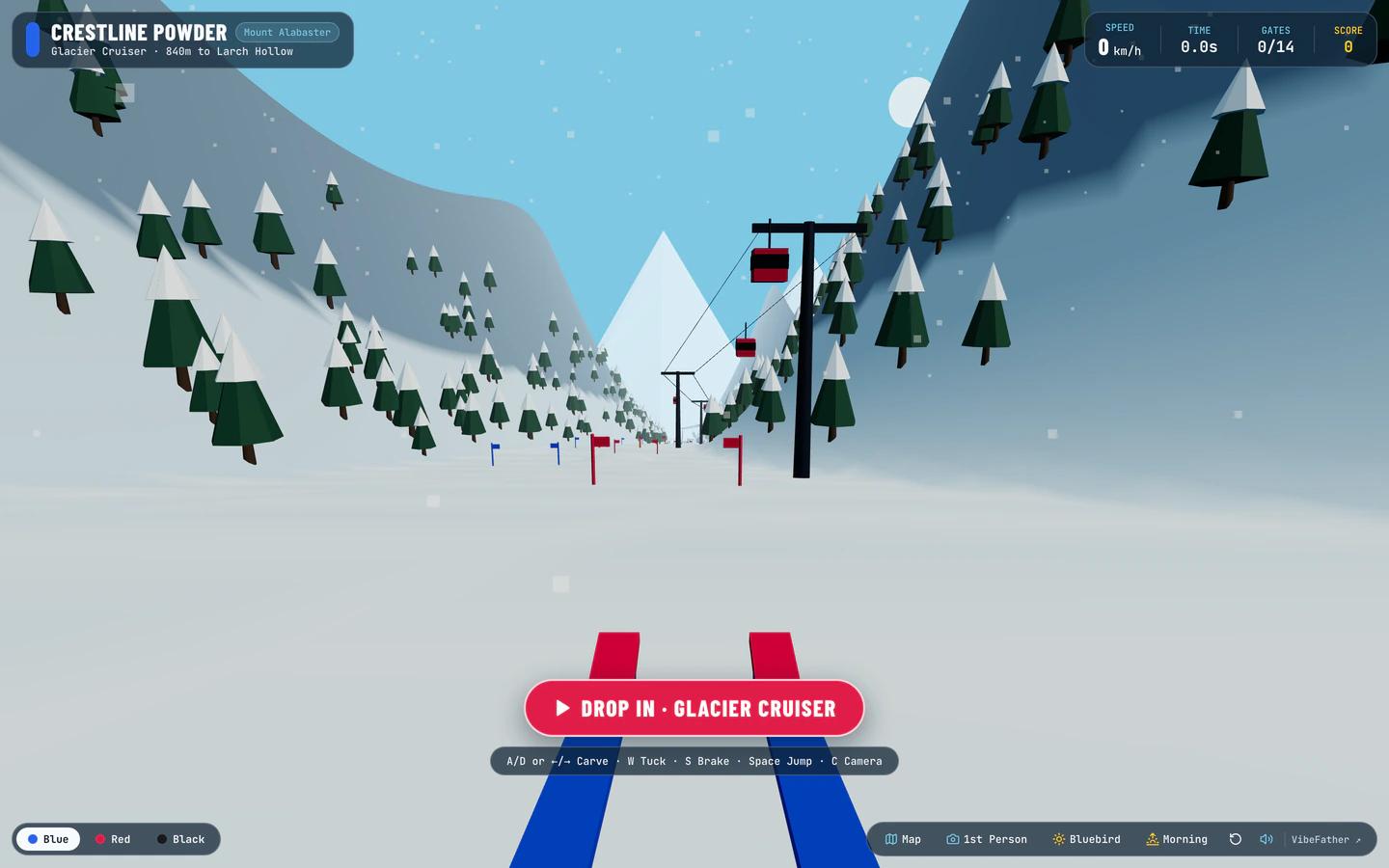
Carve down a procedural 3D alpine mountain through slalom gates, moguls, pine trees, and freeride jumps with live snow spray and wind audio.
Casual player websites are small browser games and interactive toys you open in a tab, play for a few minutes and share with a friend. The three templates on this page share that shape: each is a single, self-contained experience built with React, Vite, TypeScript and Tailwind CSS, and each is free to use. They differ in what the player does. First-Person Ski Run Game is a 3D alpine descent with slalom gates, moguls and live snow spray. Spend a Billion Dollars Game is a shopping toy with 60 sticker items and a shareable receipt. Draw Battle Simulator Game is a cartoon sandbox where you sketch soldiers and watch the clash. All three were built by GPT-6.2 Sol and Gemini 4 Neon in Antigravity and Codex.
Starting from a tested prompt beats a blank chat because the game loop, scoring, restart flow and mobile touch controls are already thought through. You describe the theme and the rules you want changed, and the agent edits a working game instead of inventing one from nothing.
Decide whether your casual player scores, spends or watches. A ski run needs a timer and a finish line, a spending game needs a budget and a receipt, a battle sandbox needs a start button. Choose the template whose loop already matches that decision.
Change the title, intro text, item names and end-screen message to fit your brand or joke. In Spend a Billion Dollars Game the 60 sticker items are the main content to rewrite. In Draw Battle Simulator Game the meadow palette and soldier look carry the theme.
Adjust gate spacing, mogul density, jump height or wind audio in the ski game so a first run lasts a minute or two. For the battle sandbox, change how many soldiers fit in a row and how fast the clash resolves so a round stays short.
Casual players arrive on phones. Test steering, drawing and tapping with one thumb, confirm buttons stay above the fold, and make sure the game pauses when the tab loses focus so a run is not lost.
Keep the receipt or end screen readable as a screenshot and give players a clear reason to send it. Spend a Billion Dollars Game already prints a shareable receipt; the ski and battle templates can end on a simple result card with the score and a replay button.
FAQ
Yes. The casual player templates on VibeFather were built by GPT-6.2 Sol and Gemini 4 Neon in Antigravity and Codex, and the same prompts can be opened in Claude Code, Cursor, Windsurf, GitHub Copilot or Gemini CLI. You paste the prompt, let the agent generate the game, then direct changes to the theme, rules and controls in plain language.
First-Person Ski Run Game is a 3D descent through slalom gates, moguls and freeride jumps with snow spray and wind audio. Spend a Billion Dollars Game is a shopping toy with 60 sticker items and a shareable receipt. Draw Battle Simulator Game is a cartoon sandbox where you sketch soldiers on a meadow and watch the clash. All three are free and built on React, Vite, TypeScript and Tailwind CSS.
Change the title, intro copy and end-screen message first, then swap the content the player interacts with: the 60 sticker items in Spend a Billion Dollars Game, the meadow and soldier look in Draw Battle Simulator Game, or the mountain theme in First-Person Ski Run Game. Keep the game loop intact and edit the theme around it so the build stays stable.
The templates are built with React and Tailwind CSS, which handle responsive layouts, but casual play lives on phones, so test steering, drawing and tapping with one thumb before you publish. Check that buttons stay reachable, text stays readable and the game pauses when the tab loses focus. Adjust sizes and spacing in the prompt if anything feels cramped.
Free templates' prompts and every DESIGN.md are free for personal, non-commercial use under CC BY-NC 4.0. Commercial and client use needs Pro. All three casual player templates are free, so a client project built from them requires a Pro membership, which also gives access to the source code of the demos.
Change the goal and the theme before anything else. Decide what the player is trying to do, how long a round lasts and what the end screen says, then rewrite the title and intro copy. That keeps the working game loop from the prompt while making the experience feel like yours rather than a generic demo.
3 of the 3 website templates for casual player on VibeFather have a free prompt and DESIGN.md for personal projects (CC BY-NC 4.0). Pro adds every prompt, the source code of each live demo and a commercial license.
The live demos here were built by Gemini 4 Neon (3) and GPT-6.2 Sol (3), each from the published prompt with nothing added. Every demo is labeled with the model and the coding tool that built it.