Draw Battle Simulator Game
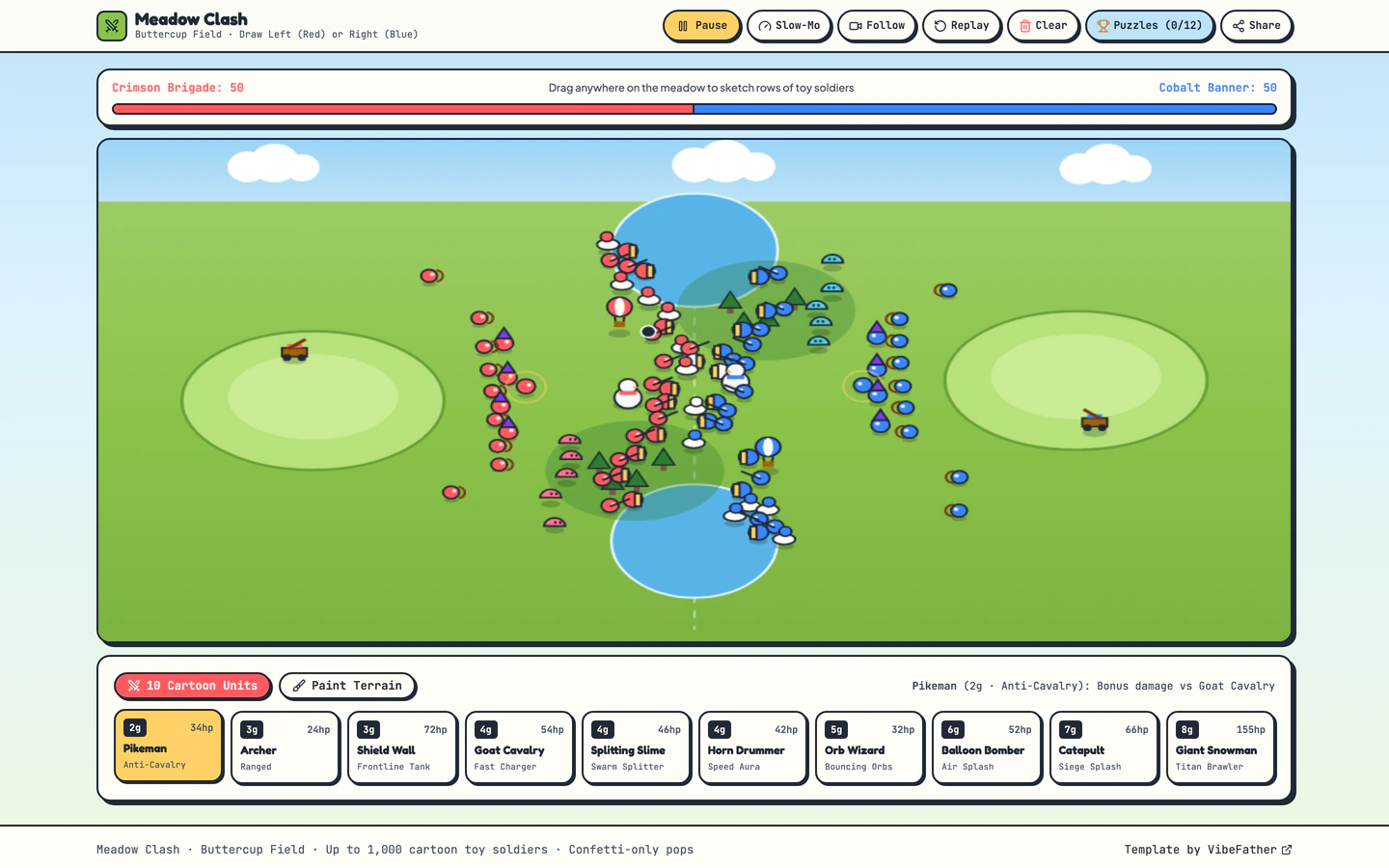
Sunny cartoon battle sandbox where you sketch rows of tiny soldiers on a meadow, paint terrain, and watch confetti clashes unfold.
Gemini 4 Neon
Type
2 interactive toy website templates with live demos, including Draw Battle Simulator Game and Spend a Billion Dollars Game.
2 templates, each with a live demo and the exact prompt that built it.
Often paired with
Sunny cartoon battle sandbox where you sketch rows of tiny soldiers on a meadow, paint terrain, and watch confetti clashes unfold.
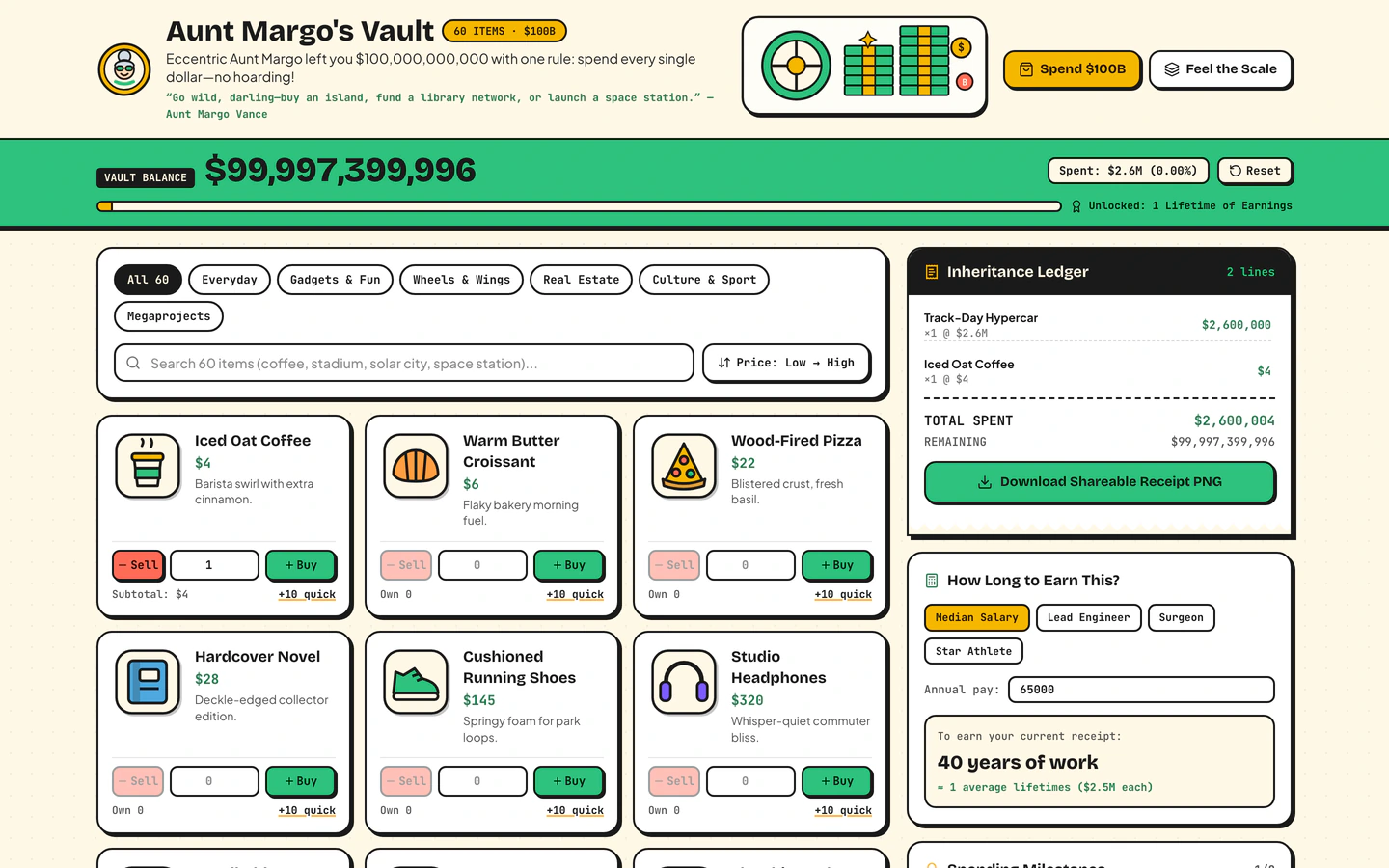
Inherit $100B from a fictional eccentric aunt, shop 60 sticker items, print a shareable receipt, and feel the scale of $1M vs $1B vs $1T.
Interactive toy sites are small, playful things people open in a browser to poke at for a few minutes: a game, a sandbox, a toy that reacts to what they do. The two templates on this page share that spirit. Spend a Billion Dollars Game hands you a fictional fortune and a shop of sticker items, then prints a shareable receipt so the joke travels. Draw Battle Simulator Game lets you sketch rows of tiny soldiers on a meadow, paint the terrain, and watch a confetti clash play out. Both are built with Vite, React, TypeScript and Tailwind CSS, use lucide-react icons, and were built by GPT-6.2 Sol and Gemini 4 Neon in Antigravity and Codex. They differ in loop: one is a shopping and comparison toy, the other a canvas simulation. Starting from a published prompt gives an AI coding agent a clear structure, real sections and a stack to follow, instead of a blank chat where the toy's rules and layout have to be invented from nothing.
Before prompting, write down what the visitor does first, second and third. For a spending toy that is browse items, add to a total, see the receipt. For a battle sandbox it is draw soldiers, paint ground, start the clash. The loop decides which sections and variables the agent needs.
Interactive toys feel wrong when the numbers are vague. Decide the starting budget, how many items are in the shop, how many soldier rows fit on the meadow, and what the end state looks like. Put those in the prompt so the agent builds the counters and the reset path.
Draw Battle Simulator Game uses a canvas for the meadow and the soldiers. Spend a Billion Dollars Game is mostly DOM with a sticker shop and a receipt. Pick one deliberately: canvas suits drawing and animation, DOM suits lists, totals and printable receipts.
Most people will open an interactive toy on a phone. Test that the shop grid stays tappable, the canvas fits without sideways scrolling, and the receipt or result is readable. Ask the agent to size the toy to the viewport and keep controls within thumb reach.
A toy spreads when the result can leave the page. Keep the receipt in Spend a Billion Dollars Game printable and linkable, and make the end of a battle easy to restart. The ending is the part people screenshot, so treat it as a section, not an afterthought.
FAQ
Start from a published prompt for a toy that already works, then direct an AI coding agent to change the rules, items and visuals. Spend a Billion Dollars Game and Draw Battle Simulator Game on VibeFather are built with Vite, React, TypeScript and Tailwind CSS, so the agent has a known stack. Describe the loop, the numbers and the ending before you ask for changes.
Claude Code and Cursor can both work from a published prompt and a DESIGN.md, because those files describe the sections, variables and stack the toy uses. The demos on this page were built with GPT-6.2 Sol and Gemini 4 Neon in Antigravity and Codex, but the prompt is written for any coding agent you prefer to direct.
Spend a Billion Dollars Game is a shopping and scale toy: you inherit a fictional fortune, browse 60 sticker items and print a receipt. Draw Battle Simulator Game is a canvas sandbox: you sketch rows of tiny soldiers on a meadow, paint terrain and watch a confetti clash. One is about totals and receipts, the other about drawing and simulation.
Both interactive toy templates on this page are free, and their prompts and DESIGN.md files are free for personal, non-commercial use under CC BY-NC 4.0. Commercial and client work needs Pro. Pro also opens the full prompt for Pro templates and the source code of the demos.
Decide the touch layout before you prompt. For Spend a Billion Dollars Game, keep the sticker shop in a tappable grid and the receipt readable on a narrow screen. For Draw Battle Simulator Game, size the meadow canvas to the viewport so soldiers can be drawn with a finger. Ask the agent to test both at phone width.
Change the subject and the numbers first: the fictional inheritance and the shop items in Spend a Billion Dollars Game, or the soldier look and terrain colors in Draw Battle Simulator Game. Then adjust the ending, such as the receipt text or the battle result, so the toy matches the brand or joke you are building around.
2 of the 2 interactive toy website templates on VibeFather have a free prompt and DESIGN.md for personal projects (CC BY-NC 4.0). Pro adds every prompt, the source code of each live demo and a commercial license.
The live demos here were built by Gemini 4 Neon (2) and GPT-6.2 Sol (2), each from the published prompt with nothing added. Every demo is labeled with the model and the coding tool that built it.