Online Code Playground
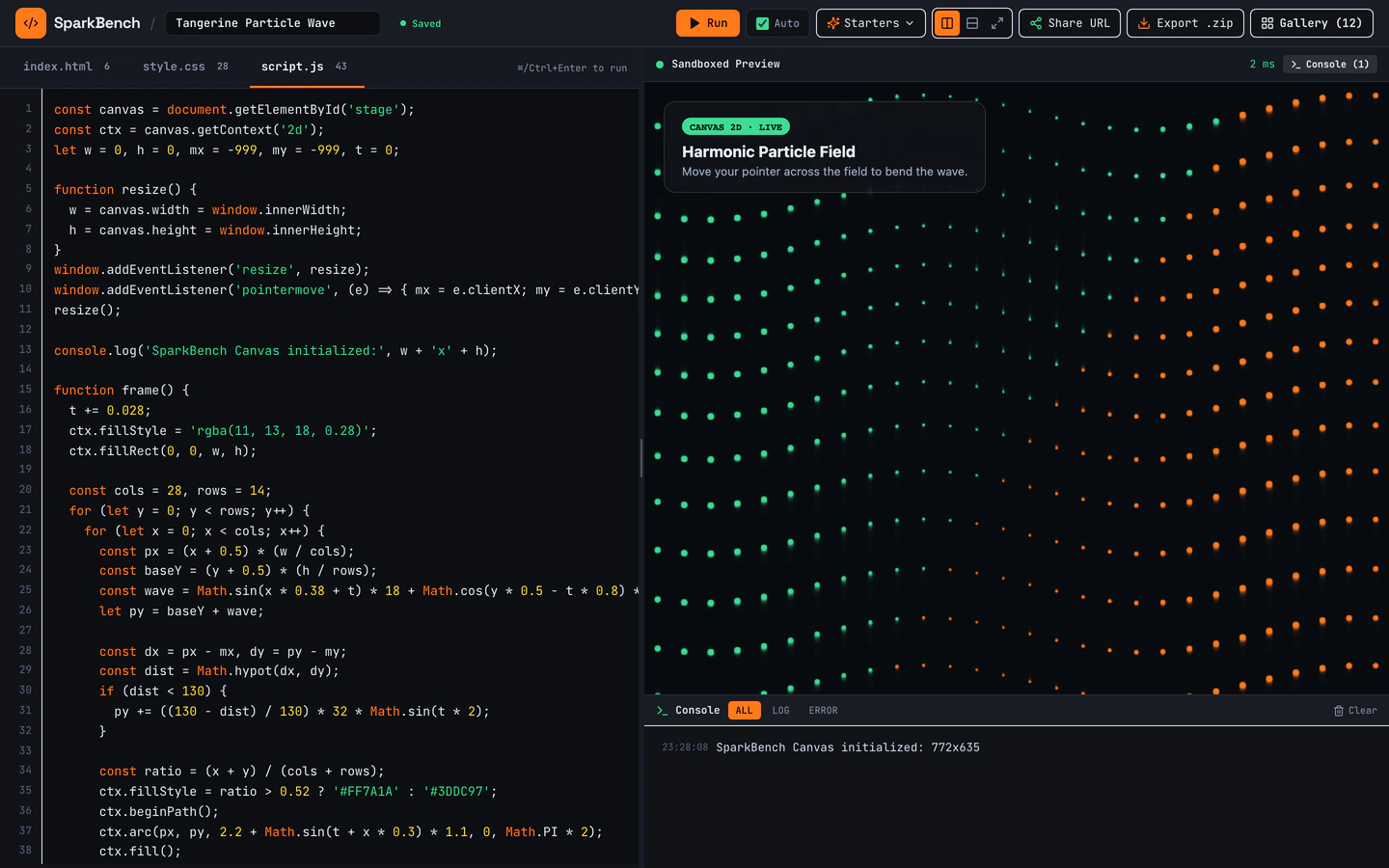
Dark-mode HTML, CSS, and JS sandbox with bundled Three.js, live console, URL sharing, ZIP export, and 12 seeded pens.
Gemini 4 Neon
Style
2 technical style website templates with live demos, including Online Code Playground and Developer Utilities Toolbox.
2 templates, each with a live demo and the exact prompt that built it.
Often paired with
Dark-mode HTML, CSS, and JS sandbox with bundled Three.js, live console, URL sharing, ZIP export, and 12 seeded pens.
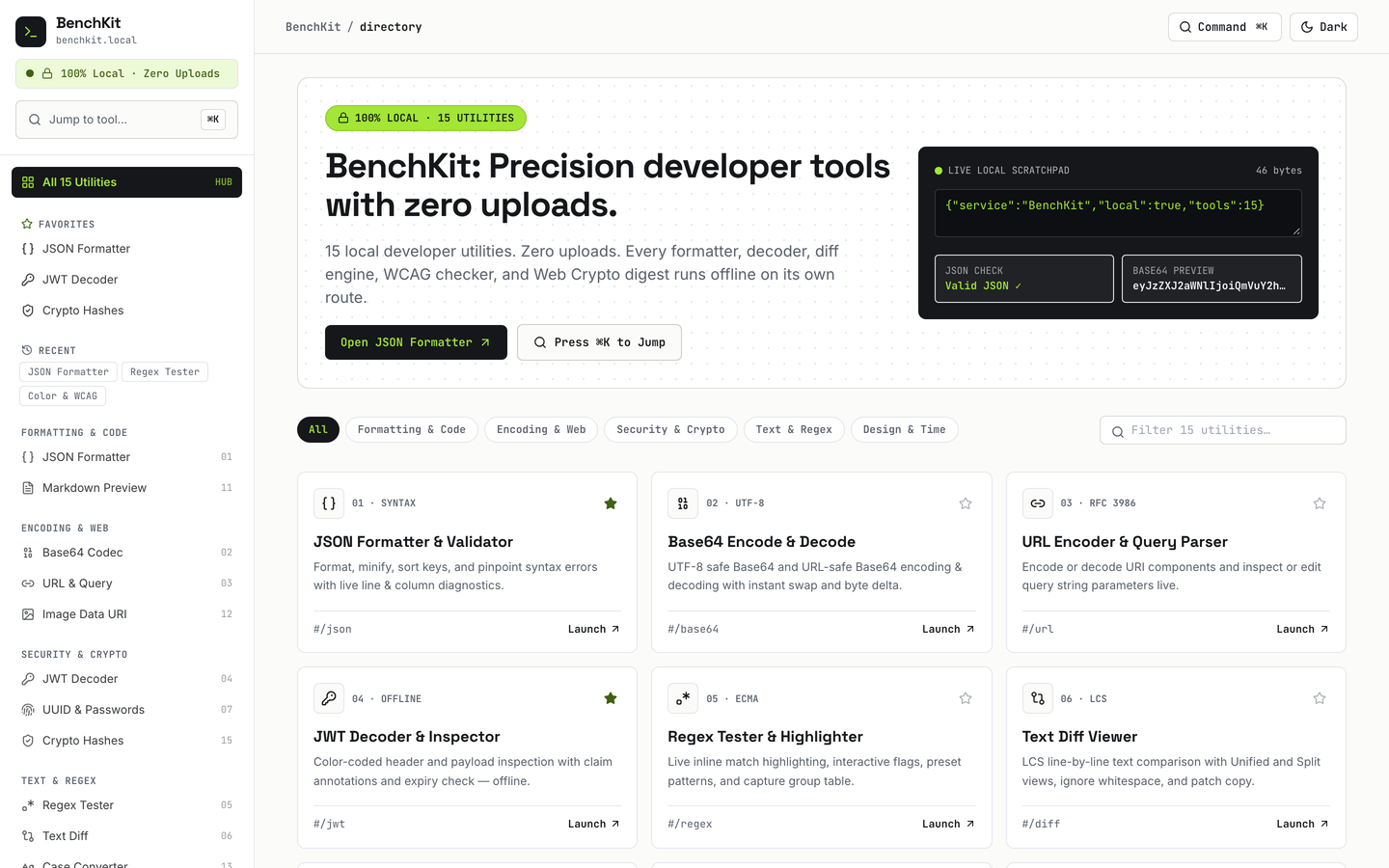
15 working browser-local developer utilities with Cmd+K jumper, favorites, history, and dark mode.
Technical style website templates on VibeFather are built for tools, sandboxes and developer utilities rather than marketing pages. Both templates on this page share a dark, code-first look, a React and Tailwind stack, and browser-local behaviour: the Online Code Playground runs HTML, CSS and JavaScript with a live console and ZIP export, while the Developer Utilities Toolbox packs 15 working utilities behind a Cmd+K jumper. They differ in scope, with one focused on a single editing surface and the other spread across 16 pages of small tools.
Starting from a published prompt gives an AI coding agent a tested structure to work inside, so you spend your time on the utilities, shortcuts and mobile behaviour that make a developer tool useful, not on inventing a layout from a blank chat. Both templates are free to explore, and their brief, stack and variables are visible before you build.
Decide whether you are building one focused surface like the Online Code Playground or a collection of small utilities like the Developer Utilities Toolbox. That choice sets how many pages you need and whether a command jumper or a single editor is the main navigation.
Open the template and set the brand name, accent colour and dark theme tokens first. Technical sites live or die on readable contrast, so check that code text, console output and button states stay legible before adding any new utility.
Keep the browser-local behaviour intact: the live console, URL sharing, ZIP export and seeded pens in the playground, or the favorites, history and Cmd+K jumper in the toolbox. Point each control at real data or your own seed examples rather than placeholder text.
Developer tools are often opened on a phone between tasks. Check that the editor or utility grid reflows, that the command jumper is reachable without a keyboard, and that long code lines scroll rather than break the layout.
Deploy the built site, then use the template's own history and favorites patterns to decide which utilities or pens people return to. Add or remove tools based on what you actually use, keeping the dark technical style consistent across every page.
FAQ
Technical style website templates on VibeFather use a dark, code-first visual language built for developer audiences. The Online Code Playground and the Developer Utilities Toolbox both run on React and Tailwind, use monospace-friendly layouts and put working controls ahead of marketing copy. The style suits sandboxes, utility collections and internal tools rather than brochure sites.
Commercial and client use of VibeFather templates needs a Pro plan. The prompts for free templates and every DESIGN.md are free for personal, non-commercial use under CC BY-NC 4.0, so you can study and build with them privately. If you plan to hand a technical tool to a client, check the licensing before you start.
Start from the Online Code Playground prompt and ask your AI coding agent to keep the live console, URL sharing and ZIP export intact while you change the branding and seed examples. The template already bundles Three.js and 12 seeded pens, so the agent has a working editing surface to extend rather than a blank page to invent.
The demos on this page were built with Antigravity using Gemini 4 Neon. VibeFather also publishes comparison pages for Claude Code, Codex, Cursor, GitHub Copilot, Windsurf and Gemini CLI if you want to see how other agents approach the same prompt before choosing one for your own build.
The Developer Utilities Toolbox spans 16 pages and packs 15 working browser-local utilities. It adds a Cmd+K jumper, favorites, history and dark mode across those pages. The Online Code Playground is smaller at 2 pages, so pick the toolbox when you want breadth and the playground when you want one deep editing surface.
Both templates are built with responsive Tailwind layouts, but technical interfaces need extra mobile checks. Test that code lines scroll instead of breaking the page, that the Cmd+K jumper has a touch-friendly entry point, and that utility grids stack cleanly. The playground's console and export controls should stay reachable on a small screen.
2 of the 2 technical style website templates on VibeFather have a free prompt and DESIGN.md for personal projects (CC BY-NC 4.0). Pro adds every prompt, the source code of each live demo and a commercial license.
The live demos here were built by Gemini 4 Neon (2), each from the published prompt with nothing added. Every demo is labeled with the model and the coding tool that built it.