Pathfinding Algorithms Visualizer
Interactive grid, hex, maze, and city-road pathfinding lab comparing BFS, Dijkstra, Greedy Best-First, and A* with live pseudocode.
Gemini 4 Neon
Style
3 clean style website templates with live demos, including Pathfinding Algorithms Visualizer, Online Learning Platform and Hospital Website.
3 templates, each with a live demo and the exact prompt that built it.
Often paired with
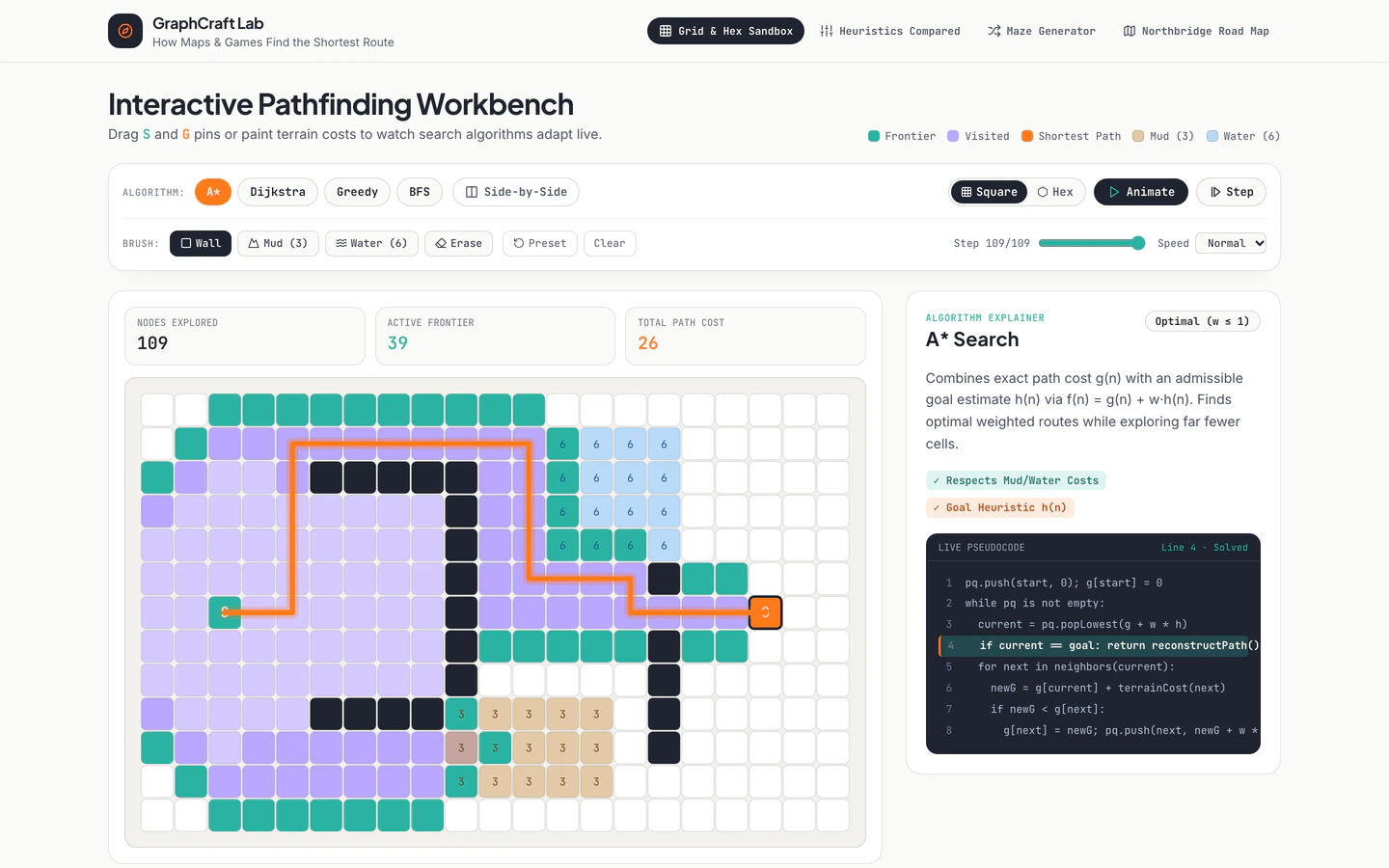
Interactive grid, hex, maze, and city-road pathfinding lab comparing BFS, Dijkstra, Greedy Best-First, and A* with live pseudocode.
Course platform opening mid-course on a learner dashboard with animated visual lessons, captions, notes, quizzes, and certificates.
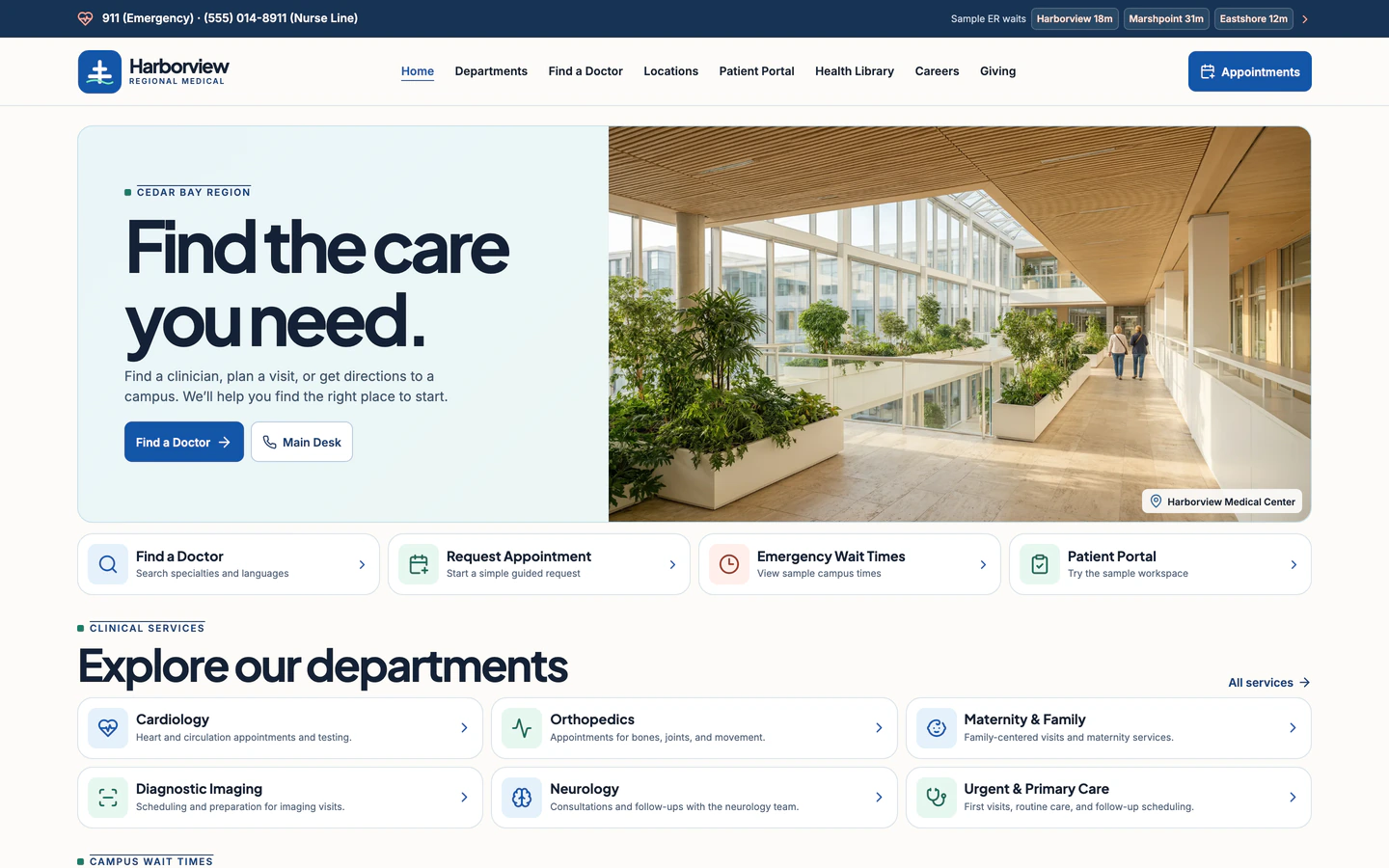
Calm, high-contrast regional hospital portal with sample ER wait times, doctor directory, appointments, and patient portal preview.
Clean style website templates are built for pages where the content has to carry the page: generous whitespace, a restrained palette, clear type hierarchy and few decorative elements. The three templates tagged Clean on VibeFather share that discipline but serve very different jobs. The Online Learning Platform opens mid-course on a learner dashboard with animated lessons, captions, notes, quizzes and certificates. The Hospital Website is a calm, high-contrast regional portal with sample ER wait times, a doctor directory, appointments and a patient portal preview. The Pathfinding Algorithms Visualizer is a free interactive grid, hex, maze and city-road lab comparing BFS, Dijkstra, Greedy Best-First and A* with live pseudocode.
All three run on Vite, React, TypeScript, Tailwind CSS and lucide-react, and all three lean on micro-interactions rather than ornament. Starting from a tested prompt beats a blank chat because the layout decisions are already made: you get a working structure, named variables and a DESIGN.md to steer the agent, so you spend your time on your content instead of arguing with the model about spacing.
Clean sites live or die on one primary screen. Choose it before prompting: a learner dashboard, a hospital landing view or the pathfinding grid. Tell the agent which sections sit above the fold and which are secondary, so the whitespace has a job.
Write your brand colours and two type sizes into the variables before generating pages. Clean layouts show every inconsistency, so fix a neutral background, one accent and a clear heading scale first, then let the agent apply them across all pages.
Replace placeholder lessons, doctor names or grid presets with your own copy and data. Clean templates have little decoration to hide behind, so real headings and realistic lengths reveal spacing problems while you can still change the layout.
A calm palette can drift too light. Check body text against its background, check that buttons and form fields stay reachable with a thumb, and confirm tables and directories collapse into readable stacked cards on a narrow screen.
The templates use micro-interactions, not showy animation. Keep hover and transition timing short and consistent, and make sure the interactive canvas or dashboard still responds promptly when a visitor is on a phone.
FAQ
Clean and minimal overlap, but the Clean templates on VibeFather keep useful structure while removing decoration. The Hospital Website still carries a doctor directory, appointment booking and a patient portal preview, and the Online Learning Platform keeps quizzes, notes and certificates. The restraint is in colour, type and spacing, not in what the site does.
Yes. The Hospital Website is a corporate and portal template with a directory, appointment flow and patient portal preview, which maps well to clinics, clinics groups and other service businesses. The free Pathfinding Algorithms Visualizer is a tool and explainer page, so it suits teaching, documentation or a demo rather than a company homepage.
The Online Learning Platform and the Pathfinding Algorithms Visualizer were built with Antigravity and Gemini 4 Neon. The Hospital Website was built with Codex and GPT-6.2 Sol. You can build your own version of any of them in Claude Code, Codex, Cursor, Windsurf, GitHub Copilot or Gemini CLI, since the prompt and DESIGN.md describe the layout rather than one tool.
Change the colour variables and type scale first, then the logo and headings, then the sample content. Because clean layouts have few visual elements, a single accent colour and one distinctive heading treatment do most of the work. Keep the spacing rules from the DESIGN.md so the page stays consistent as you add sections.
Clean layouts generally translate well to phones because there is little to crowd, but check the parts that carry data. On the Hospital Website, confirm the doctor directory and appointment form stack readably; on the Pathfinding Algorithms Visualizer, confirm the grid and controls stay usable with touch. Test the primary screen first on a narrow viewport.
Commercial and client use of VibeFather templates needs Pro. Free templates' prompts and every DESIGN.md are free for personal, non-commercial use under CC BY-NC 4.0. Pro templates show the brief, stack and variables publicly and the full prompt to Pro members, and the demo source code comes with Pro.
1 of the 3 clean style website templates on VibeFather have a free prompt and DESIGN.md for personal projects (CC BY-NC 4.0); 2 are Pro. Pro adds every prompt, the source code of each live demo and a commercial license.
The live demos here were built by Gemini 4 Neon (2) and GPT-6.2 Sol (1), each from the published prompt with nothing added. Every demo is labeled with the model and the coding tool that built it.