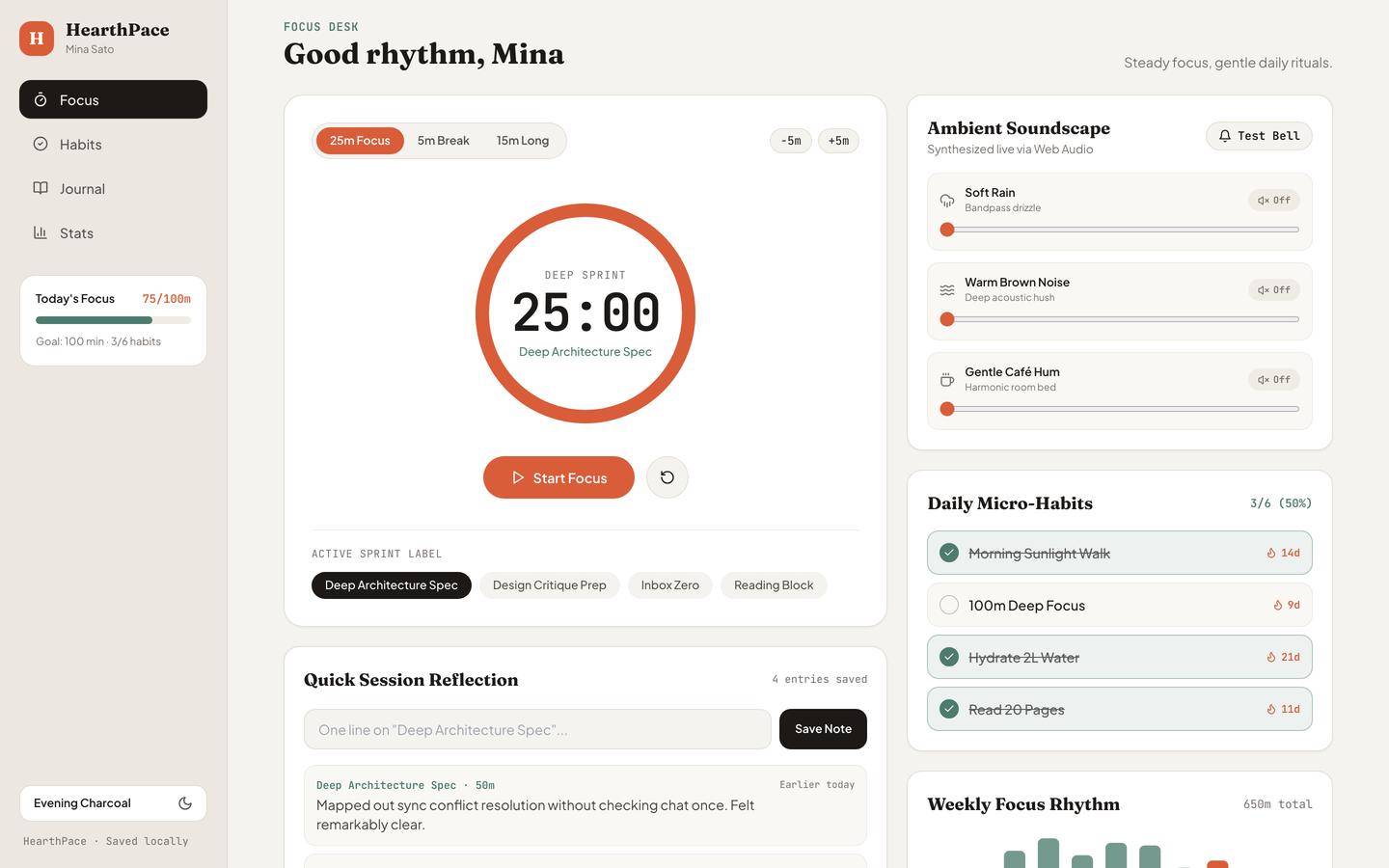
Focus Timer & Habit Companion App
Serene Pomodoro focus timer PWA with Web Audio ambient mixer, micro-habits, and reflection log.
Gemini 4 Neon
Responsive mobile-first app interfaces and PWAs with bottom tab navigation, touch interactions and real local state that adapt cleanly across phone, tablet and desktop.
9 templates, each with a live demo and the exact prompt that built it.
Often paired with
Serene Pomodoro focus timer PWA with Web Audio ambient mixer, micro-habits, and reflection log.
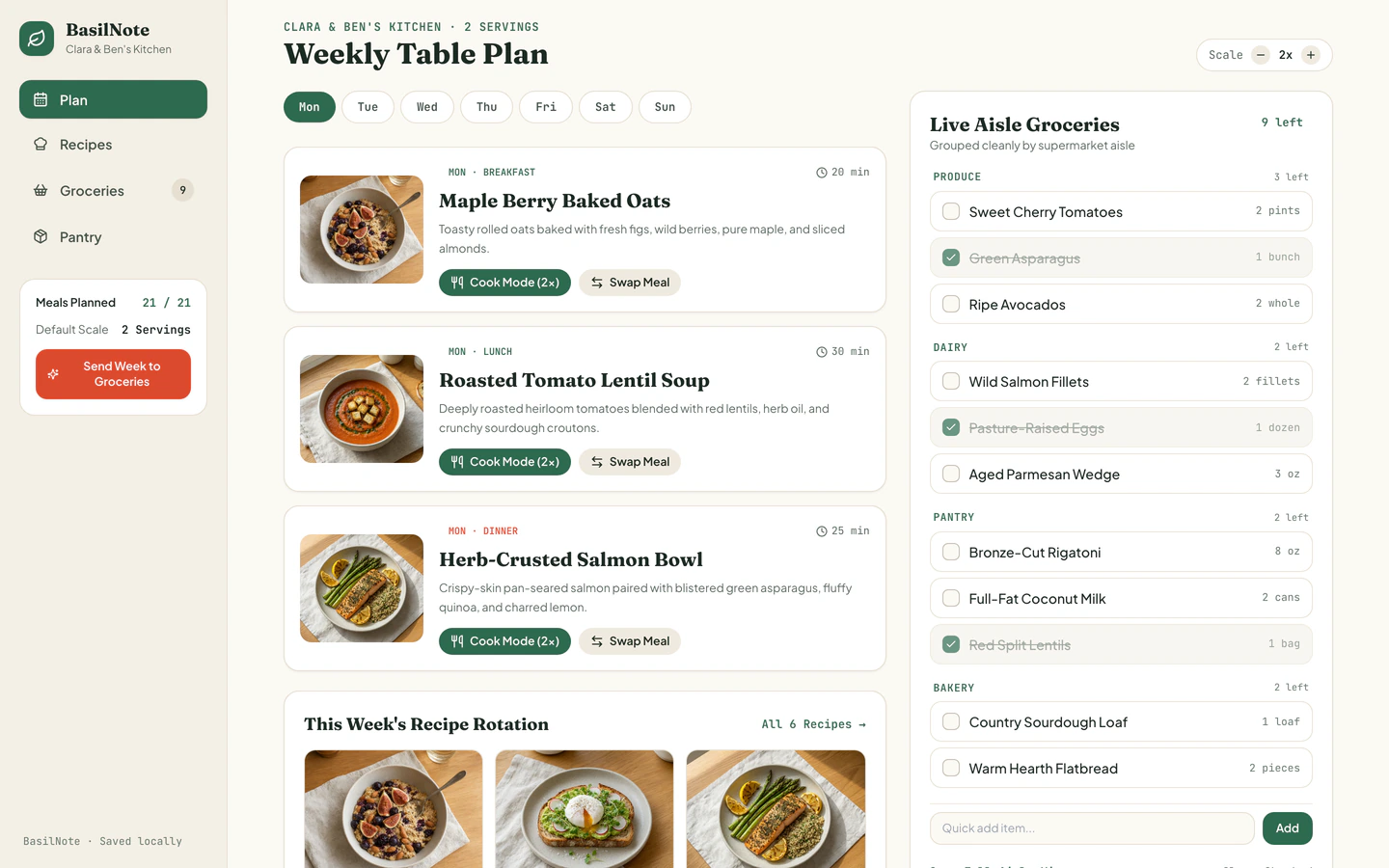
Fresh linen responsive weekly meal planner PWA with dynamic servings scaler and aisle grocery list.
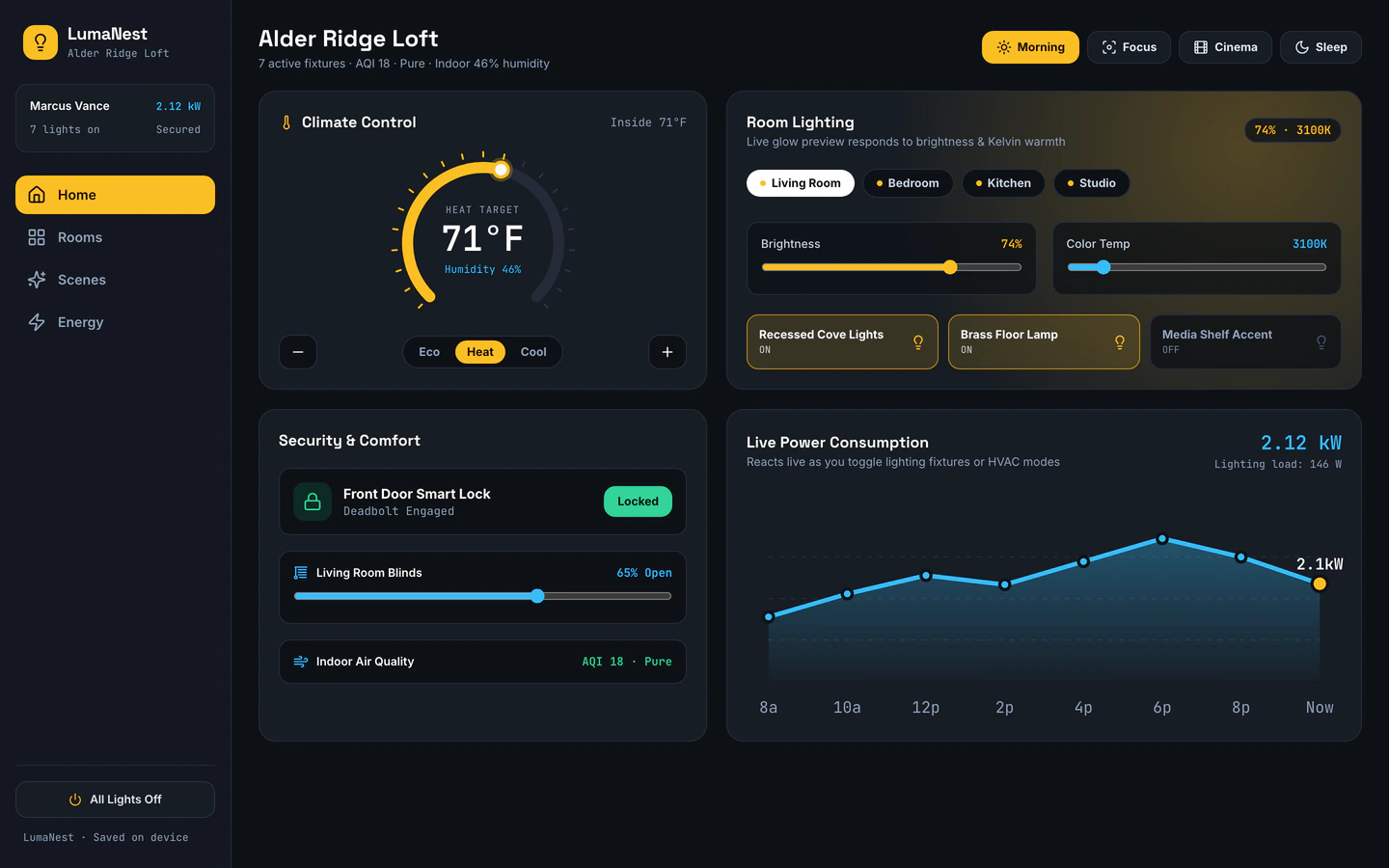
Dark frosted connected-home PWA with live lighting sliders, circular thermostat dial, and scenes.
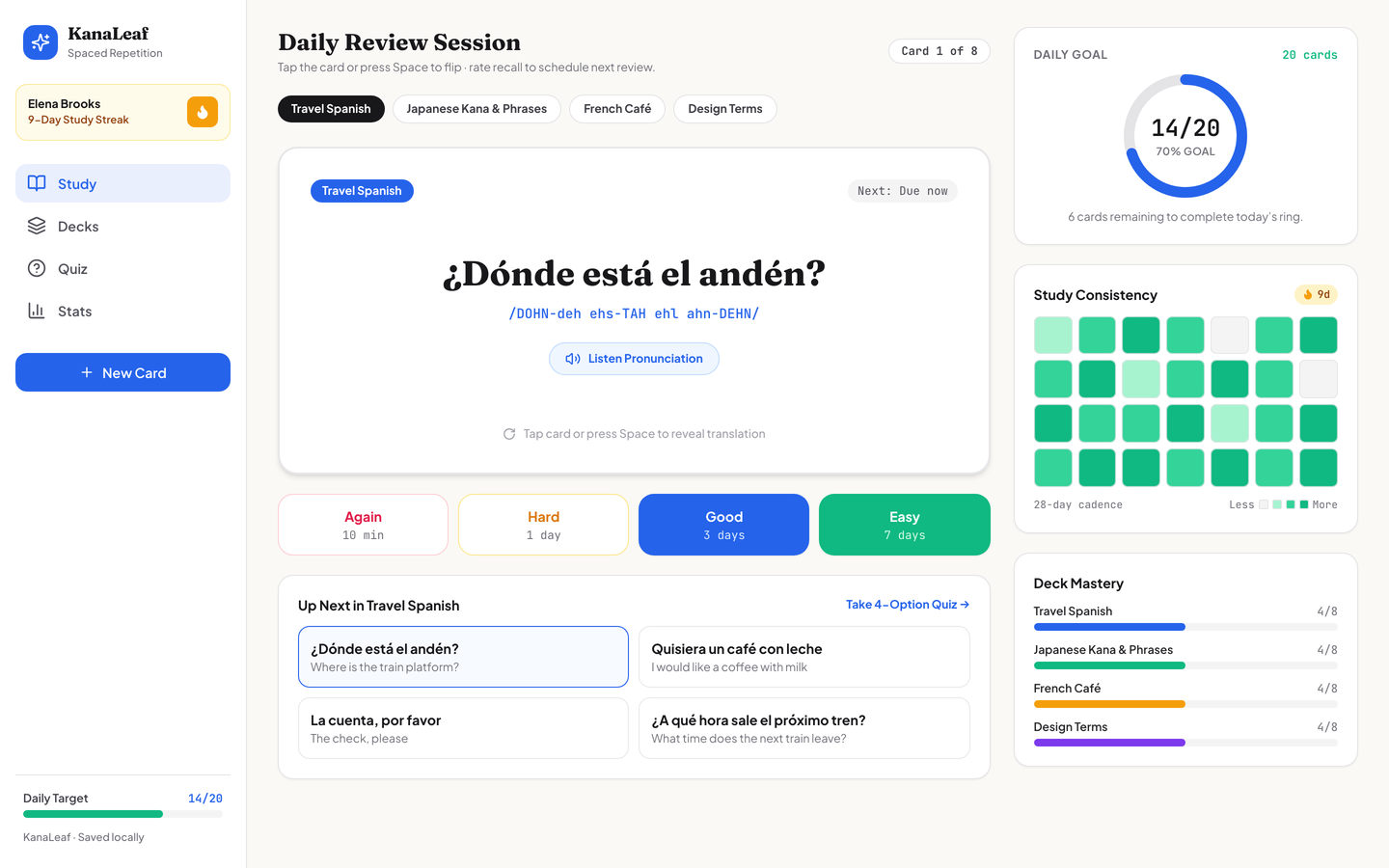
Spaced-repetition flashcard PWA with 3D flip cards, pronunciation, quiz mode, and streak stats.
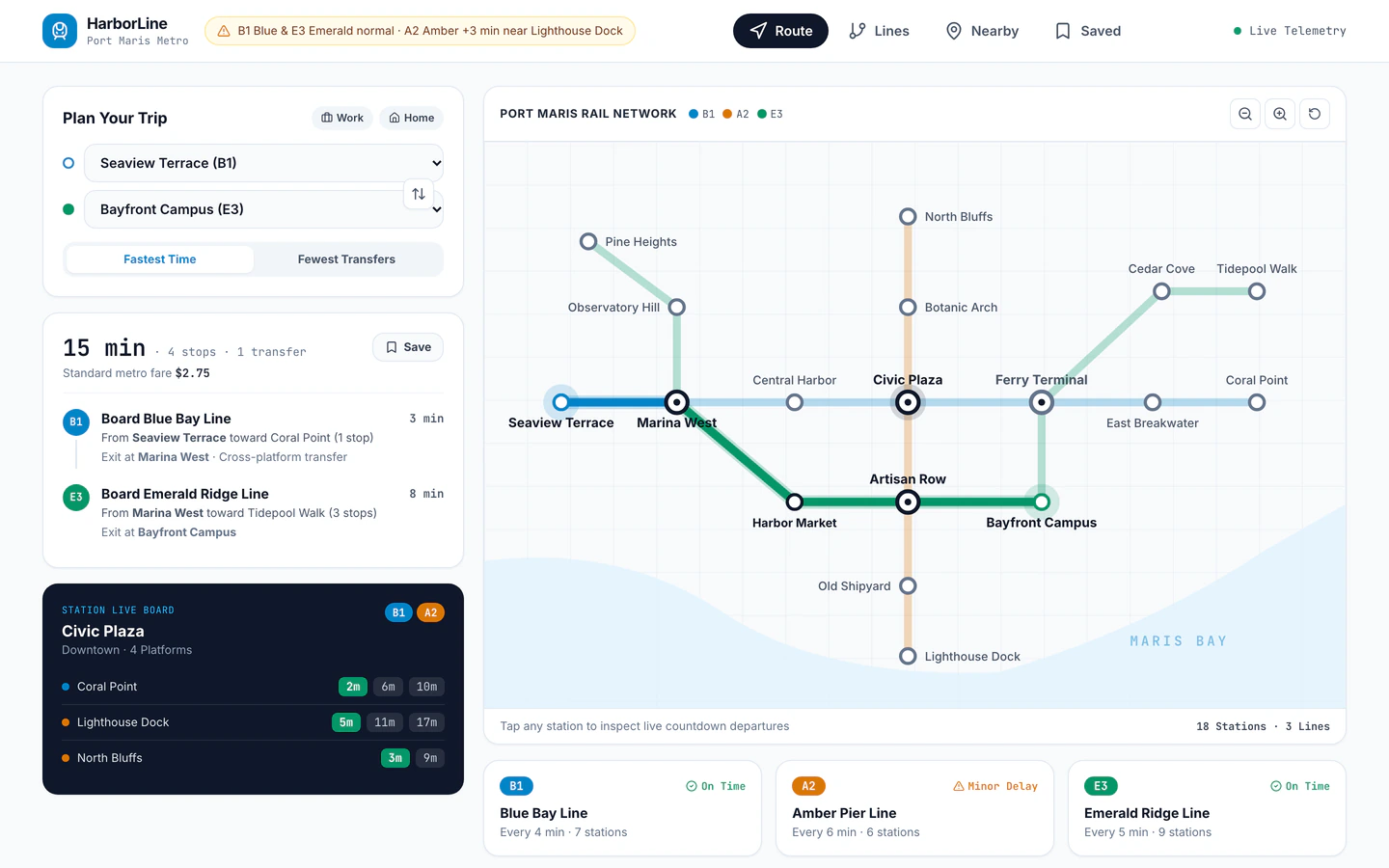
Swiss-style responsive coastal metro & bus route planner PWA with interactive SVG map.
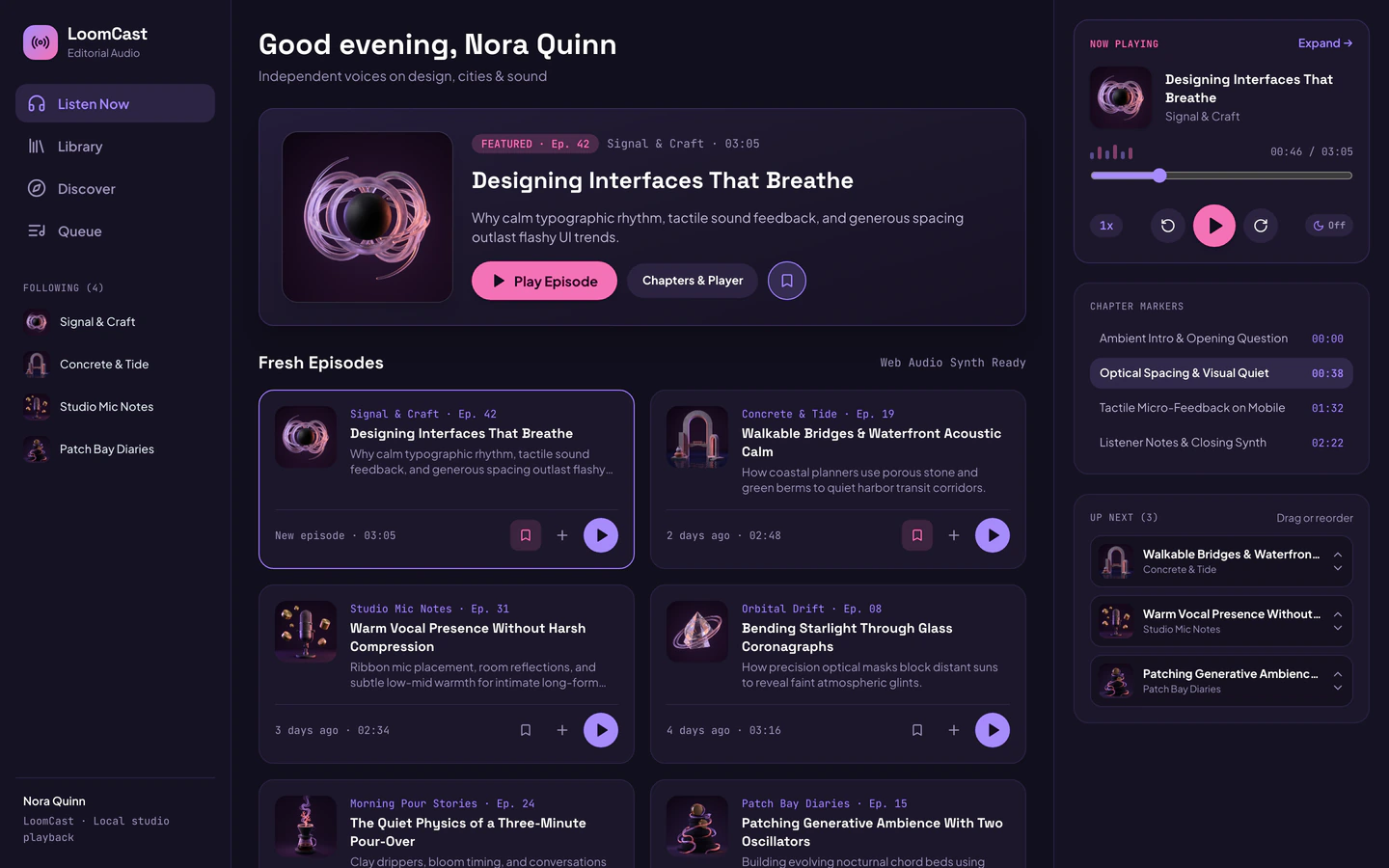
Midnight plum responsive podcast PWA with Web Audio playback, chapters, and drag queue.
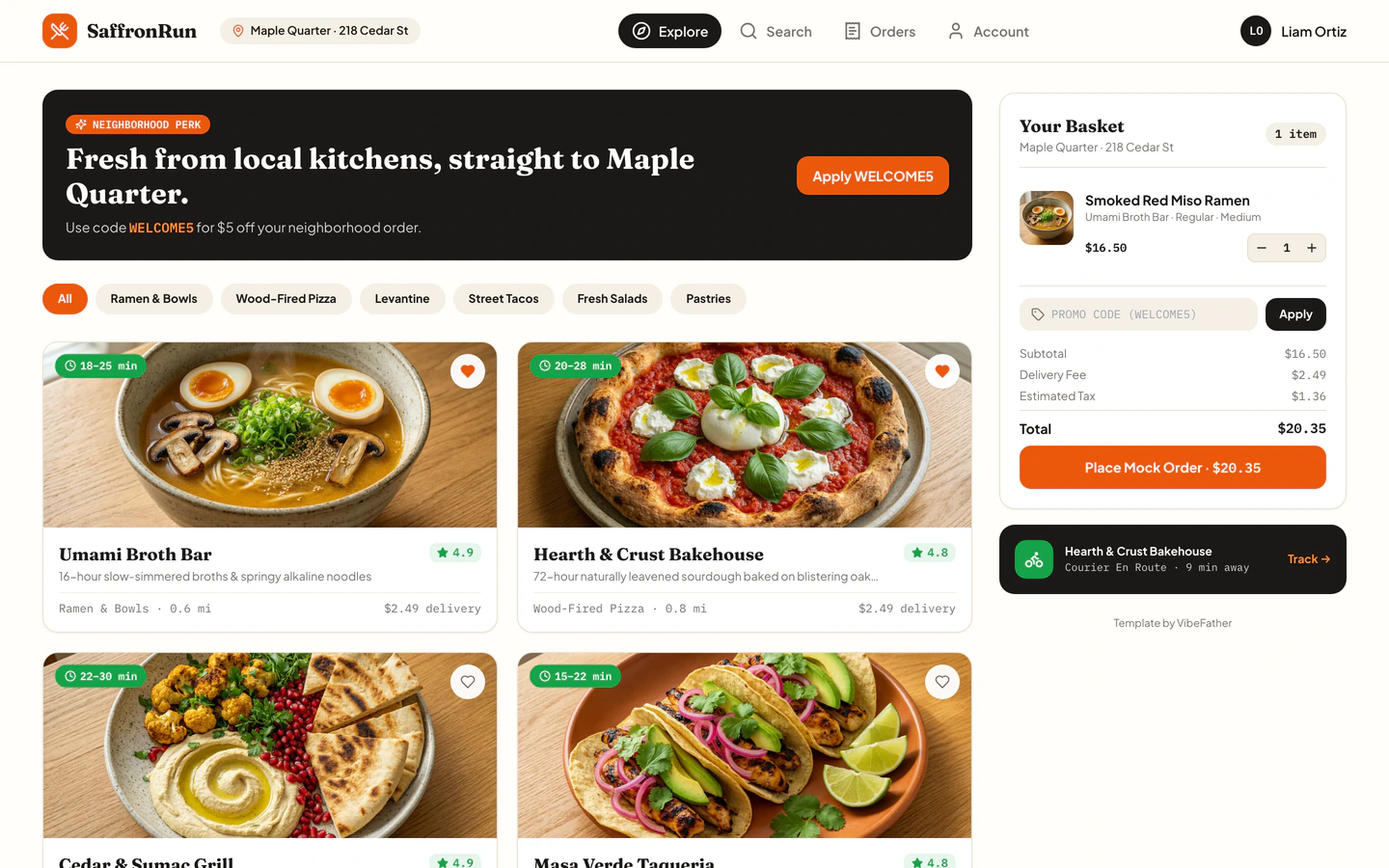
A responsive mobile-first food delivery PWA with dish photos, customization sheet, promo cart, and live map tracker.
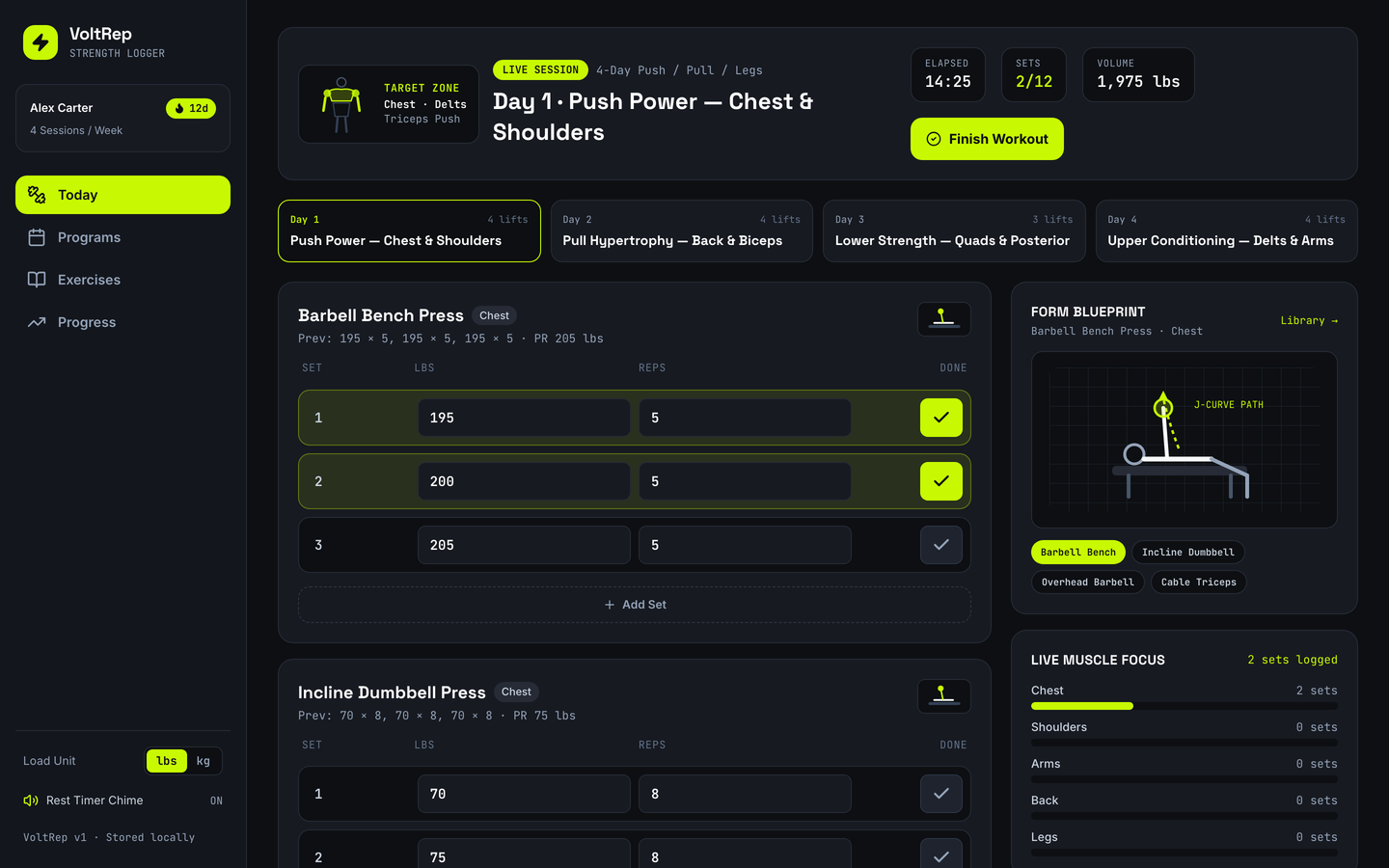
A dark responsive mobile-first gym workout logger PWA with set tracking, rest countdown timer, PR toasts, and SVG form guides.
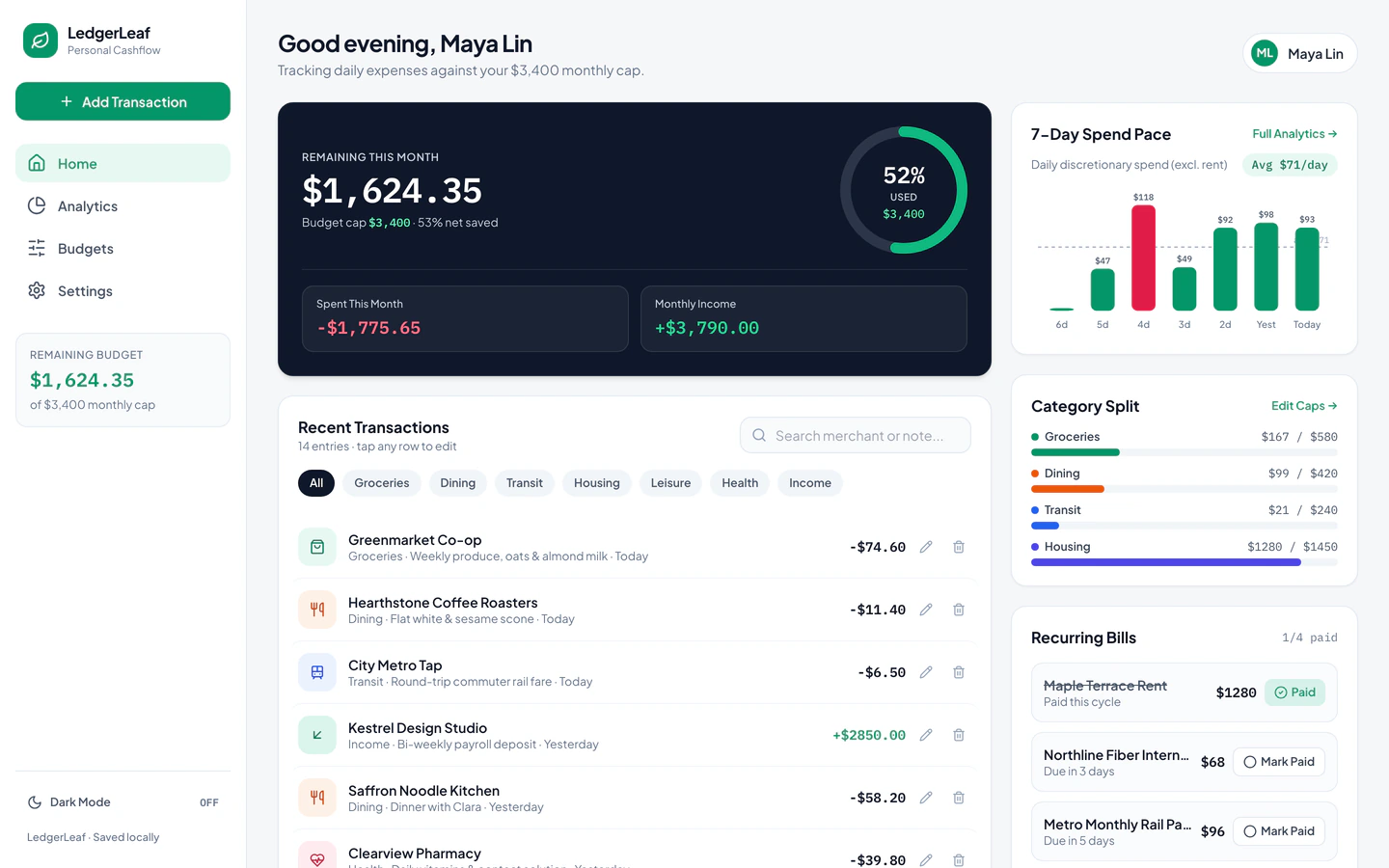
A true responsive mobile-first personal expense tracker PWA with keypad bottom sheet, SVG spending charts, budgets, and CSV export.
Mobile app websites on VibeFather are single-page product sites and working app interfaces built as progressive web apps, so they open in a phone browser and can be saved to a home screen. The nine templates here share a mobile-first layout, React and Tailwind CSS, and small touches like micro-interactions and page transitions. They differ in purpose and mood: the Focus Timer & Habit Companion App is a serene Pomodoro tool, the City Transit & Route Planner App uses a Swiss-style map, and the Personal Expense Tracker App pairs a keypad sheet with spending charts. Some are free and some are Pro, and each one starts from a published prompt that an AI coding agent already turned into a working demo. Starting from a tested prompt gives you a real layout, real controls and a clear list of what to change, instead of asking a blank chat to imagine an app screen from nothing.
Decide whether you need a marketing page for an app or a working app screen. The templates here are interfaces: a timer, a planner, a tracker, a player. Choose the one whose core screen matches your product, then plan to change the labels and data rather than the layout.
Each template carries a brand name, colour palette and type scale in its brief. Replace those first so the mood fits your app, whether that is the dark frosted look of the Smart Home Control App or the fresh linen feel of the Meal Planner & Grocery List App.
Swap the demo content for your own: meals and servings, flashcards and streaks, routes and stops, expenses and budgets. Keep the structure of each item so the charts, lists and counters still work, and check that long names do not break the layout.
These are mobile-first builds, so test on a narrow screen before anything else. Look at bottom sheets, sliders, timers and maps at phone width, then confirm the same screens hold up on a tablet and desktop. Fix spacing at the smallest size first.
Decide what each button should do in your version: start a timer, add a grocery item, save an expense, play an episode. Point forms and exports at your own services, and keep the feedback the template already gives, such as toasts, counters and progress states.
FAQ
Start from a published prompt on VibeFather, such as the Food Delivery Mobile App or the Workout & Gym Logger App, and give it to an AI coding agent like Claude Code, Cursor or Antigravity. The agent builds the working screen from the brief, then you replace the brand, palette and sample data with your own. Starting from a tested prompt means the layout and controls already exist before you edit.
The mobile app templates on VibeFather are working interfaces built as progressive web apps, not marketing landing pages. The Focus Timer & Habit Companion App runs a Pomodoro timer and ambient mixer, the Personal Expense Tracker App has a keypad sheet and spending charts, and the Podcast & Audio Player App plays audio with a drag queue. You can open each demo and use the controls before you build.
Commercial and client use needs Pro. Free templates' prompts and every DESIGN.md are free for personal, non-commercial use under CC BY-NC 4.0. Pro templates show the brief, stack and variables publicly and the full prompt plus the demo source code to Pro members, so you can adapt a Pro build for a client and keep the work in your own project.
For a fitness product, the Workout & Gym Logger App has set tracking, a rest countdown timer, PR toasts and SVG form guides. For habits and focus, the Focus Timer & Habit Companion App pairs a Pomodoro timer with an ambient mixer, micro-habits and a reflection log. Both are mobile-first, so pick the one whose core screen is closest to what your users open the app for.
The templates are built as progressive web apps, which is the format that lets a site be saved to a phone home screen and opened like an app. The demos run in the browser, and the brief describes each one as a PWA. Whether a finished build caches data for offline use depends on what you and your AI coding agent add, so treat offline behaviour as a step to plan.
Each template's brief lists the brand name, palette, type scale and sample content as variables. Change the brand and palette first so the whole screen shifts at once, then replace the demo data: meals and servings in the Meal Planner & Grocery List App, routes and stops in the City Transit & Route Planner App, expenses and budgets in the Personal Expense Tracker App. Keep the shape of each item so charts and counters keep working.
5 of the 9 mobile app website templates on VibeFather have a free prompt and DESIGN.md for personal projects (CC BY-NC 4.0); 4 are Pro. Pro adds every prompt, the source code of each live demo and a commercial license.
The live demos here were built by Gemini 4 Neon (9), each from the published prompt with nothing added. Every demo is labeled with the model and the coding tool that built it.