Y2K Chrome Fashion Drop Page
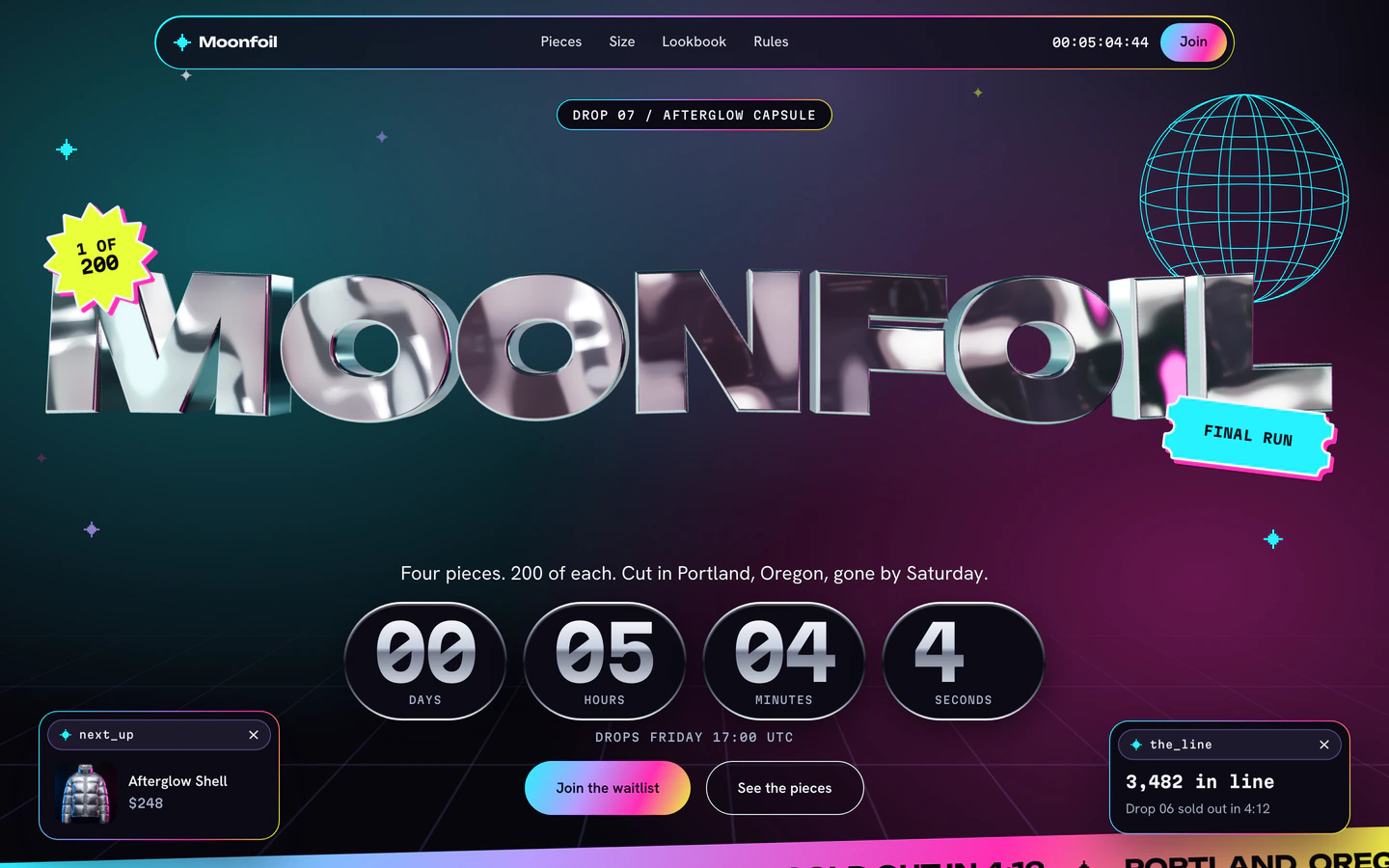
A limited clothing drop page with a liquid-metal 3D wordmark, live countdown and sticker-slapped products.
Opus 5.5
Industry
2 templates, each with a live demo and the exact prompt that built it.
Combine with
A limited clothing drop page with a liquid-metal 3D wordmark, live countdown and sticker-slapped products.
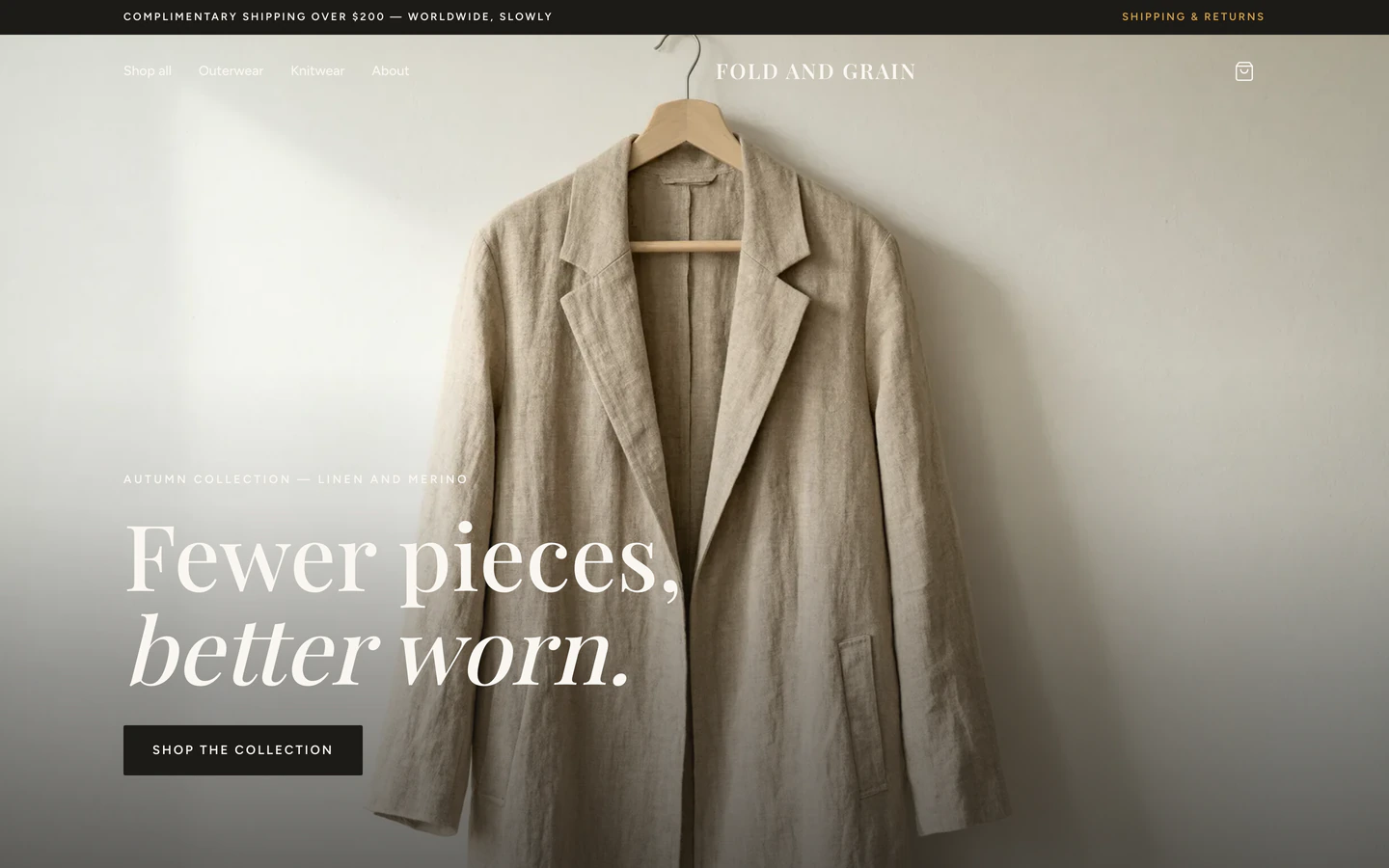
Four-page fashion storefront with filterable collections, variant product pages, a cart drawer and a mock checkout.
Fashion website templates on VibeFather are starting points for clothing labels, drop shops and small storefronts that want a distinctive look without a blank canvas. The two templates here share a React and Tailwind foundation and a product-first layout, but they sit at opposite ends of the spectrum. The Y2K Chrome Fashion Drop Page is a single-page limited drop with a liquid-metal 3D wordmark, a live countdown and sticker-slapped products, built by Claude Opus 5.5, Claude Sonnet 5.5 and Gemini 4 Carbon. The Fashion Online Store is a four-page storefront with filterable collections, variant product pages, a cart drawer and a mock checkout, built by DeepSeek V4.1 Flash and GLM-5.3. One is a hype moment, the other a browsable catalog.
Starting from a published prompt beats a blank chat because the structure is already decided: where the countdown sits, how variants are picked, what the cart drawer contains. You describe your label, your products and your drop date, and the agent edits a working page instead of inventing one. Both templates are English-language sites, and the Pro storefront shows its brief, stack and variables publicly, with the full prompt and demo source code for Pro members.
Choose the single-page drop if you sell one limited release at a time and want a countdown and a 3D wordmark. Choose the four-page store if you need collections, filters and variant product pages. The decision shapes every later edit, so settle it before prompting.
Fill in the brand name, tagline, product names, prices and imagery. On the drop page the wordmark drives the liquid-metal 3D treatment, so keep it short. On the store, set collection names and variant options such as size and color before the agent builds the filters.
Give the agent your real drop date and time for the countdown, and decide whether the cart drawer links to a checkout or stays a mock checkout for now. State clearly which fields are placeholder data so the agent does not present fake orders as real.
Open the page on a phone and step through the sticker product layout and the filterable collection grid. Confirm tap targets, the cart drawer and variant pickers work with one thumb, and that the 3D wordmark still loads without blocking the page.
Replace mock product data with your catalog, then connect the cart or drop form to your own store backend or mailing list. Review the checkout copy so buyers know what happens after they submit an order.
FAQ
The Y2K Chrome Fashion Drop Page is a single landing page for a limited clothing drop, with a liquid-metal 3D wordmark, a live countdown and sticker-style product tiles. The Fashion Online Store is a four-page storefront with filterable collections, variant product pages, a cart drawer and a mock checkout. One suits a single release, the other a browsable catalog.
Yes, with a step of setup. The Fashion Online Store ships with a cart drawer and a mock checkout, so you replace the sample products with your catalog and connect the cart to your own store backend or payment provider. The Y2K Chrome Fashion Drop Page is a single drop page, so it works best paired with an external checkout or a mailing list signup.
Set the brand variable to your label name and tell your AI coding agent to rebuild the liquid-metal 3D wordmark from that text. Keep the name short so the treatment stays legible at small sizes. Then check the page on a phone, since the 3D element is the heaviest part of the layout.
The demos on this page were built with Claude Code and Cursor for the Y2K Chrome Fashion Drop Page, and DeepSeek Harness and ZCode for the Fashion Online Store. The models behind them were Claude Opus 5.5, Claude Sonnet 5.5 and Gemini 4 Carbon for the drop page, and DeepSeek V4.1 Flash and GLM-5.3 for the store.
Commercial and client use requires Pro. The free template's prompt and every DESIGN.md are free for personal, non-commercial use under CC BY-NC 4.0. The Fashion Online Store is a Pro template that shows its brief, stack and variables publicly, with the full prompt and demo source code available to Pro members.
Tell your AI coding agent which variant options your products need, such as size and color, and which combinations exist for each item. The Fashion Online Store already has variant product pages, so the agent updates the sample data rather than building the pattern from scratch. Check each combination on a phone before publishing.
1 of the 2 fashion website templates on VibeFather have a free prompt and DESIGN.md for personal projects (CC BY-NC 4.0); 1 are Pro. Pro adds every prompt, the source code of each live demo and a commercial license.
The live demos here were built by GLM-5.3 (1), DeepSeek V4.1 Flash (1), Claude Opus 5.5 (1), Claude Sonnet 5.5 (1) and Gemini 4 Carbon (1), each from the published prompt with nothing added. Every demo is labeled with the model and the coding tool that built it.